

Frank Tuerling
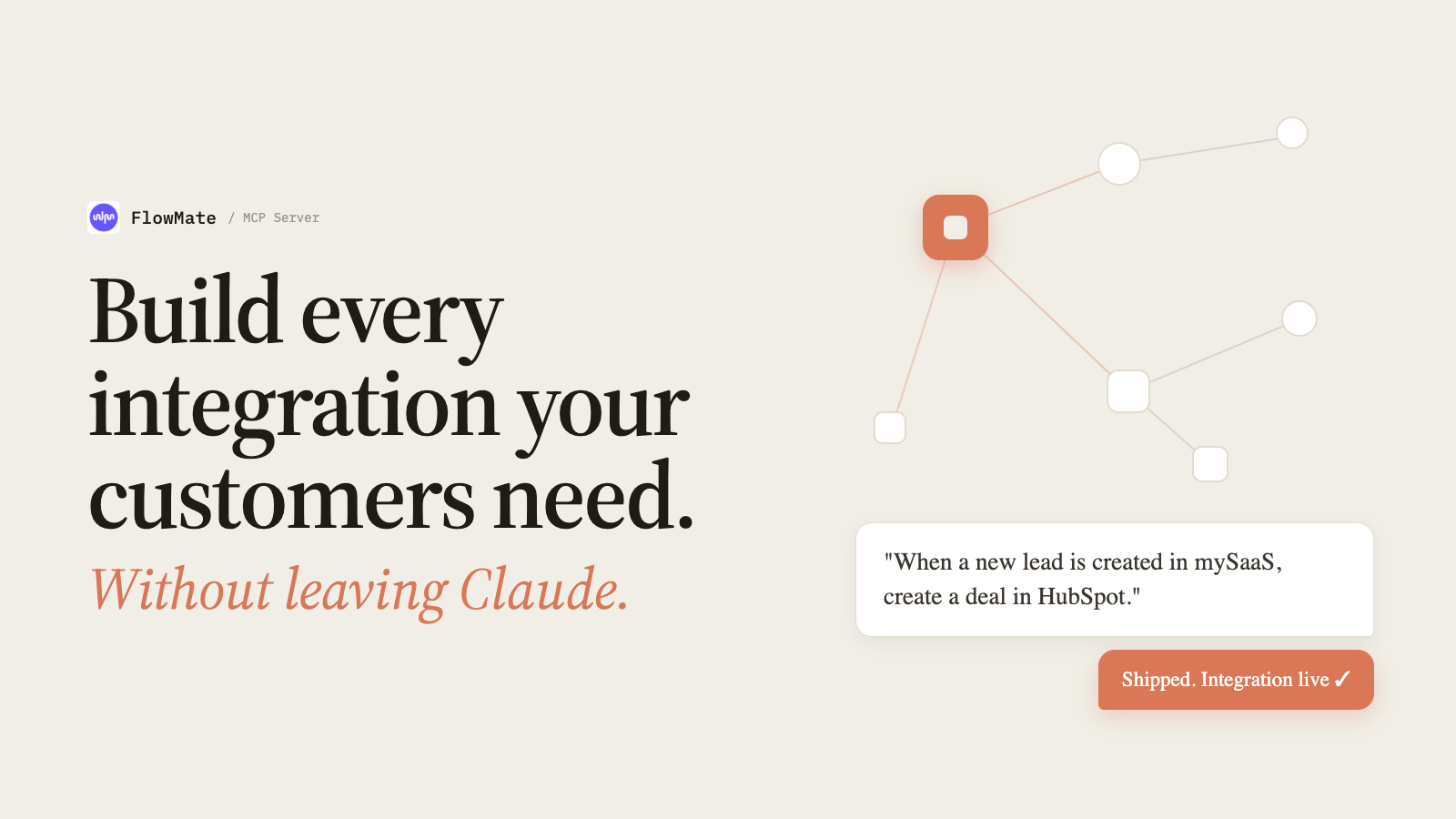
Nobody Loves Building Integrations. Even Fewer Love Maintaining Them.
Ask any PM or developer who has shipped an integration whether they enjoyed it. The honest answer is almost never yes. It is not the core product. It does not feel like progress. And it is harder than it looks every single time.
You start with a customer request that sounds simple. Two systems, one connection, how hard can it be. Then you spend hours understanding the third-party API, mapping fields that do not align, handling edge cases nobody documented, and writing conditional logic for scenarios that only appear after you go live. Integrations are the work that looks like a feature and behaves like infrastructure. They sit in a permanent middle ground where product, engineering, and operations all share responsibility and nobody fully owns it.
Tools like Claude Code have made the development side faster. That is real. But faster development is only half the challenge. The other half appears the moment the integration is live.
Something breaks. It always does. A required field gets added to an external API. A customer’s account configuration changes. A mapping that worked for a hundred customers silently fails for the hundred and first. Finding the error means navigating logs across tools, filtered by tenant, buried in a dashboard that was not designed for fast diagnosis. The same engineer who built the integration in half the time still gets pulled into a support queue that has not gotten any shorter.
Building integrations is painful. Maintaining them is where the real cost lives. This post is about what it looks like when both problems are solved in the same place.
Build: Describe the Outcome. Ship the Integration.
FlowMate just shipped a full MCP server. That means the entire integration authoring capability is available as a conversation inside Claude. You describe the integration you want to build. Claude, with full access to FlowMate’s execution layer, all available connectors, and the complete mapping and logic toolkit, builds a production-ready result your customers can activate immediately. No platform UI required.
Here is what that looks like in practice. A PM needs a HubSpot integration for their product. When a new lead is generated in mySaaS, the system should check whether the contact already exists in HubSpot. If yes, update the deal. If no, create the contact, create the company if it is also missing, and then create the deal, assigned to the right pipeline stage based on a custom mapping.
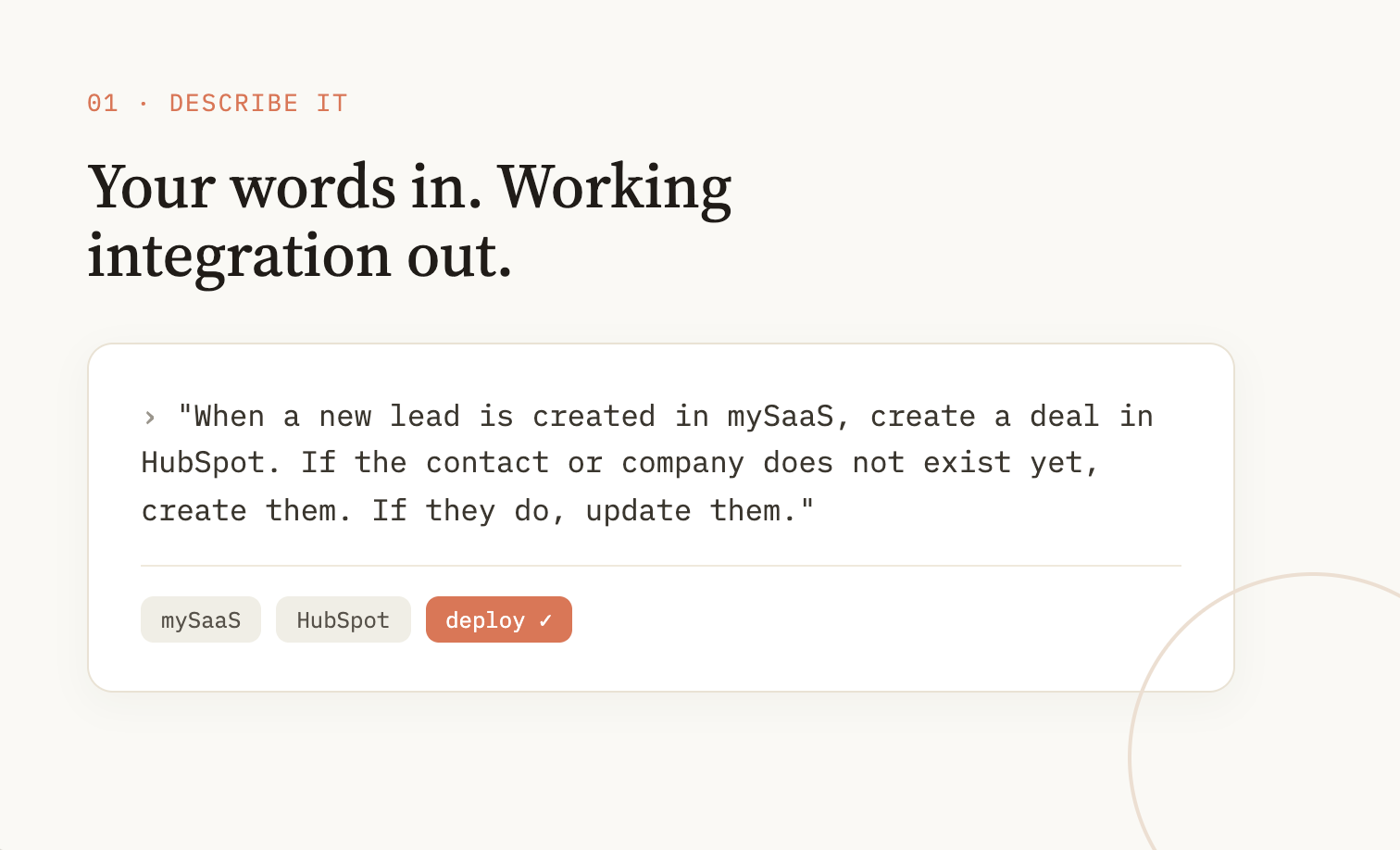
That is five steps, conditional branching, a cross-system value mapping, and a dynamic pipeline lookup. In the past, building that template accurately required knowing every endpoint, every field name, and every edge case. Today, you describe the outcome and FlowMate MCP handles the architecture. The result is a complete template with full data mapping, get-or-create logic, conditional routing, and dynamic user configuration, built in minutes, ready to ship the same day.
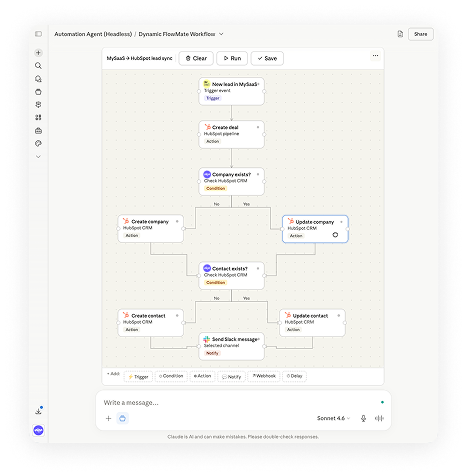
The complexity that used to live exclusively in the platform UI, branching logic, cross-system value mapping, array splitting, delta detection, user-facing configuration screens, is fully accessible through conversation. This is not a simplified version. It is the full capability.
And if you are not sure exactly what the right architecture is, Claude guides you. It asks clarifying questions, helps you define edge cases, and walks you through the decisions that matter. For a PM who does not work with HubSpot’s API every day, this is a completely new kind of support. It is not documentation. It is a conversation with someone who knows the system.
One more thing that matters more than it might first appear. You do not have to describe your integration in English. Claude understands whatever language you work in. For product teams working in German, French, Spanish, or any other language, that removes a constant translation overhead that traditional integration tooling has always imposed. Describe the outcome in the language you think in. The result is the same.
For developers working in Claude Code, there is an additional advantage. If you have built your SaaS product with Claude Code, Claude already knows your data model. Your entity names, your field structure, your business logic, it is all in the project context. When you use FlowMate MCP in the same environment, that knowledge carries over. Templates come out pre-mapped to your actual field names, not generic placeholders. FlowMate MCP inherits everything Claude already knows about your product.
Run: Your Entire Automation Operation as a Conversation
Once templates are live and customers are activating flows, the operational picture becomes complex fast. Dozens of customers. Hundreds of running flows. Thousands of executions per day. Knowing what is healthy, what is slow, and what is at risk has always required logging into the platform, navigating to the right dashboard, and filtering by the right tenant.
FlowMate MCP changes this entirely. Every operational question you would normally answer by navigating dashboards, digging through log files, or filtering execution records can now be answered by asking.
Ask for a daily execution summary across your entire tenant. Ask for the health status of flows for a specific customer. Ask for execution volumes by flow over the past seven days. Ask for a list of all active flows and their current status. Define exactly what your team needs to see every morning and Claude delivers it. No dashboard navigation, no filter setup, no context switch.
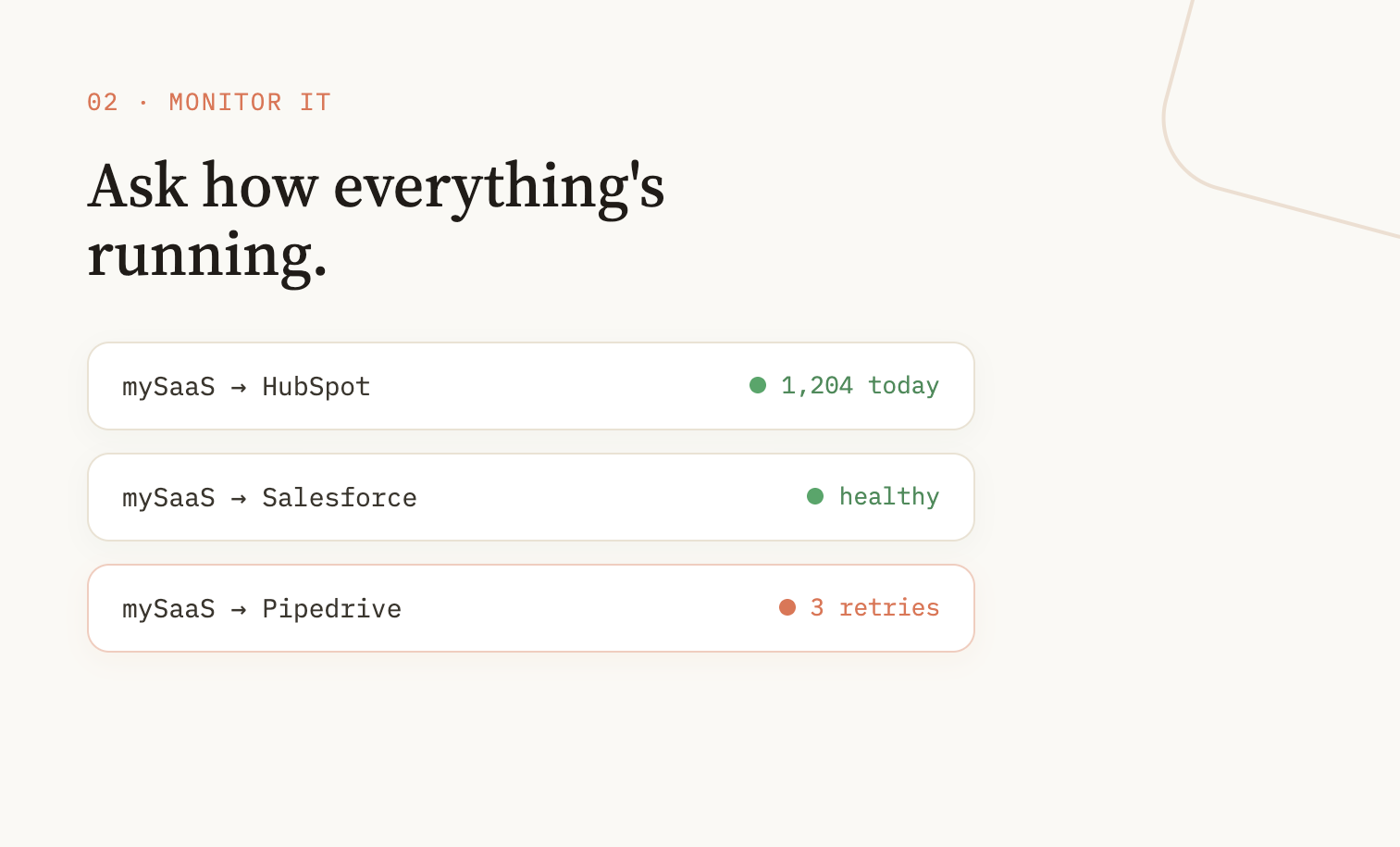
This matters especially for the teams that are not developers. Customer success does not need to learn the FlowMate platform. They work in Claude, ask the questions relevant to their accounts, and get the answers. Scoped access means they see exactly what their role requires, execution volumes, account-level health, usage trends, without access to template creation or platform configuration.
The same applies to any team that needs visibility into automation performance as part of their job. FlowMate MCP makes that visibility conversational and available wherever Claude runs.
Fix: Find the Error. Resolve It. Move On.
In production, things break. Not because the templates are wrong, but because the world changes around them. A required field appears in HubSpot. An API version is deprecated. A customer’s account configuration changes. These are not edge cases. They are the normal operating conditions of any live automation.
Finding the problem used to be the hardest part. Logs spread across steps, filtered by tenant, buried in a dashboard nobody checks proactively. By the time someone noticed the error, the customer had already noticed it first.
With FlowMate MCP, you pull logs scoped to the exact tenant, the specific customer, and the individual step where the failure occurred. You identify the issue in the same conversation. You fix it immediately, updating the mapping, correcting the field reference, adjusting the logic, without opening the platform, without filing a ticket, without pulling a developer.
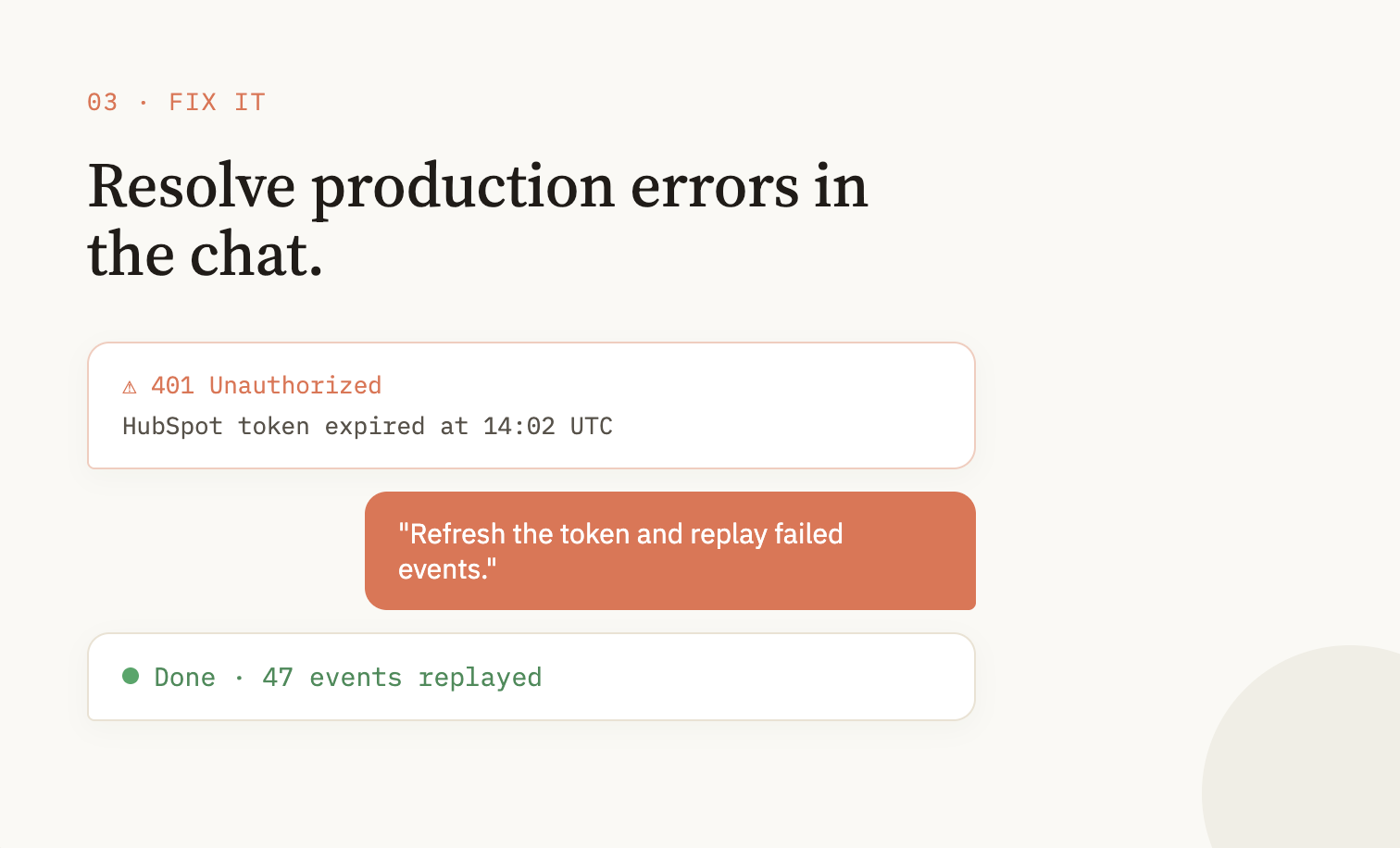
This changes the support model completely. You can give your support team scoped access to FlowMate MCP with fix permissions only, no template creation, no tenant-wide visibility, just the ability to diagnose and resolve errors for the customers they are responsible for. They work in Claude, the tool they already use every day. No training. No new interface. No handoff to engineering for problems they can solve themselves.
For developers who prefer Claude Code, the same capability is available there. Fix a broken mapping in the same environment where you write code. No context switch. No second tool.
Works Wherever You Work
FlowMate MCP is available in the Claude browser interface, in Cowork, and in Claude Code. The PM building a new template, the developer fixing a production error, the CS manager checking account health, each works in their natural environment, with FlowMate already present.
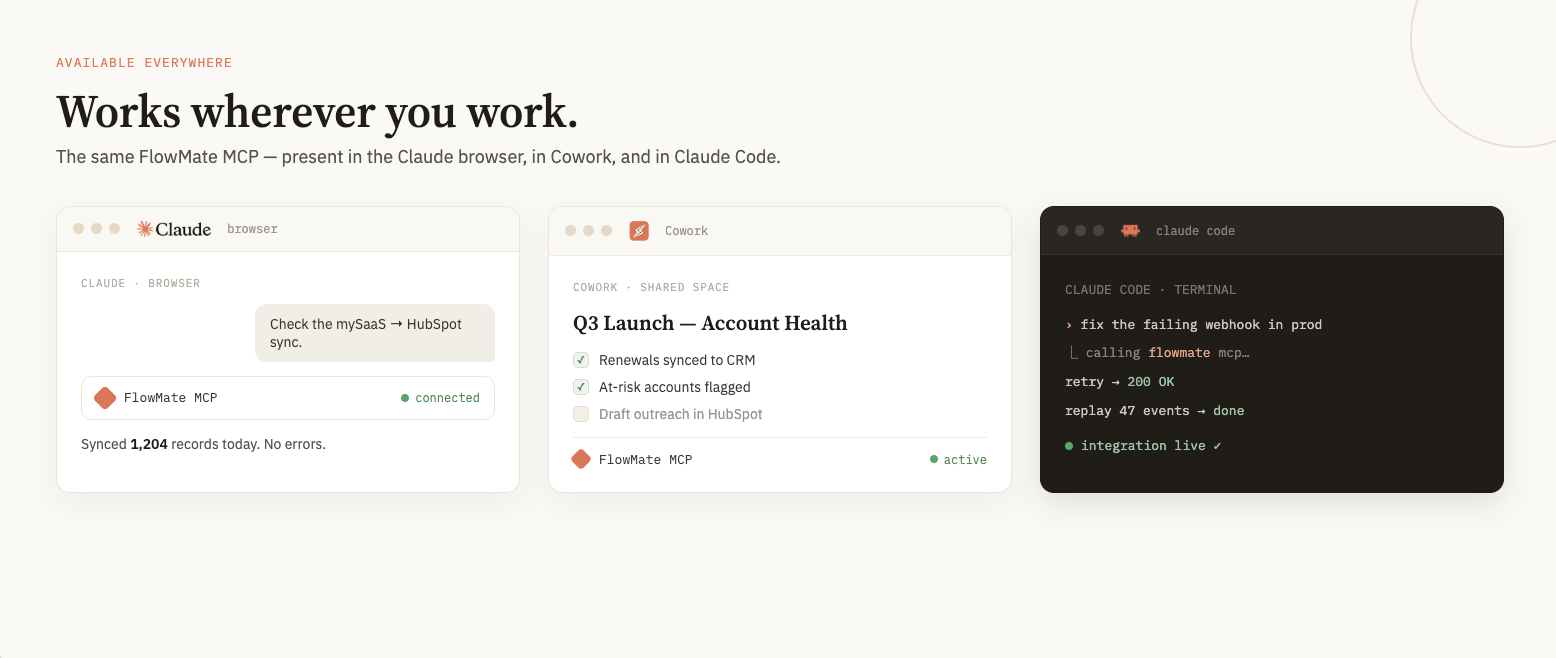
FlowMate MCP is built on the open MCP protocol, which means it is available across AI platforms. Claude is where the deepest integration exists today, but ChatGPT, Gemini, and any other platform that supports the protocol can connect to FlowMate’s execution layer in the same way.
The context your team has already built in Claude multiplies the value from day one. Projects, product knowledge, troubleshooting routines, customer notes, FlowMate MCP inherits all of it. The more your team already uses Claude, the more capable FlowMate MCP becomes from the first conversation.
What FlowMate Actually Is
For readers encountering FlowMate for the first time: FlowMate is the execution and automation infrastructure for SaaS companies and AI platforms. It provides the layer between AI reasoning and real-world automation across your customers’ applications, multi-tenant, production-grade, and built specifically for the operational demands of serving many customers at once.

Build. Run. Fix. All From Claude.
FlowMate MCP gives your team the full integration lifecycle in one conversation. Describe it, ship it, monitor it, fix it.
Try FlowMate MCP Now
The MCP server described in this post sits on top of that infrastructure. It does not replace it. It makes it accessible through conversation.
If you want to understand what the execution layer itself contains, the FlowMate Automation Engine post covers the architecture in detail.
The Workflow Your Team Deserves
Building a new integration template used to mean opening a platform, navigating a flow editor, and spending hours on configuration. Diagnosing a production error meant filtering through log files across tools you did not design for fast diagnosis. Neither of those things has to be true anymore.
That workflow is optional now. The same conversation that builds a production-ready template can monitor your operation and resolve errors the moment they appear.
The SaaS teams and AI platform builders who close this gap first will ship more integrations, respond faster to customers, and manage more automation with less friction. The capability is already there, inside the tool your team uses every day.
Start Building Today
If you are building a SaaS product or AI platform and want to see what building, running, and fixing customer integrations looks like from inside Claude, the fastest way is to try it.
Turn a Prompt Into Real Automation
See how FlowMate converts plain language into production-ready workflows across your customers’ apps in minutes.

More articles from our Blog
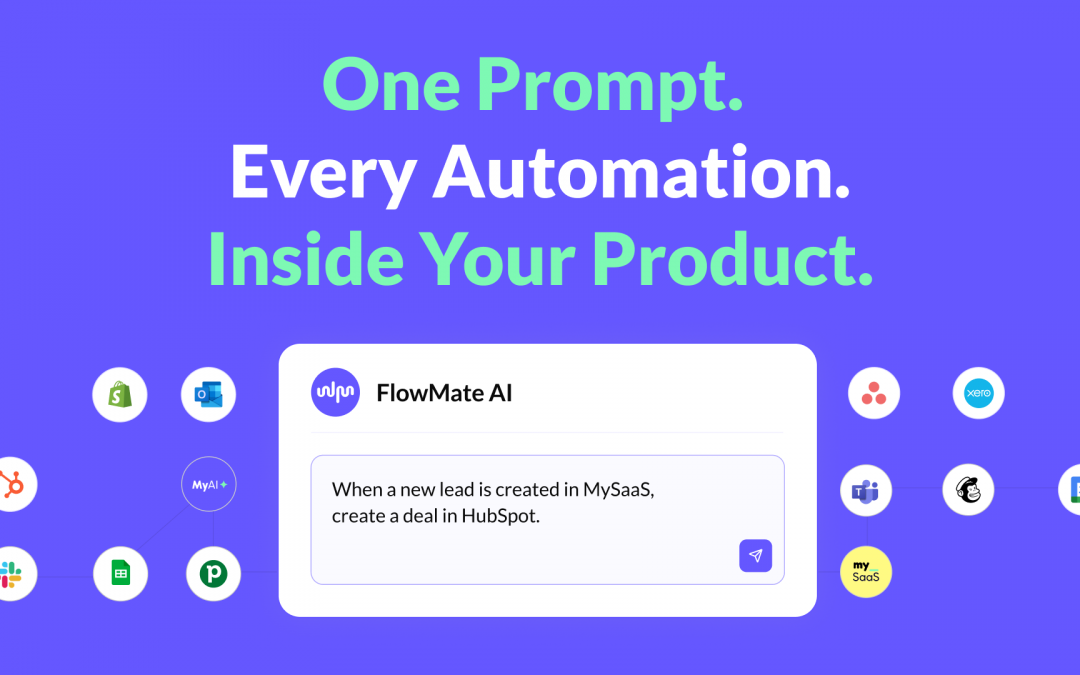
One Prompt. Every Automation. Inside Your Product.
Every customer is waiting for an integration you have not built yet. The reason is not a lack of ideas or ambition. Building integrations is harder than it looks. FlowMate AI gives any PM on your team the ability to turn a plain-language description into a production-ready cross-app integration and ship it the same day, without a developer, without a sprint, without the backlog.
The Automation Engine for AI and SaaS Platforms
For one or two customers, automation is a script. But once you are serving enterprise clients or a large customer base, it is infrastructure. This post explains how the FlowMate Automation Engine handles execution at platform scale, and why the gap between a working prototype and a production-ready multi-tenant system is larger than most teams expect.
The Future of Enterprise AI Is Execution
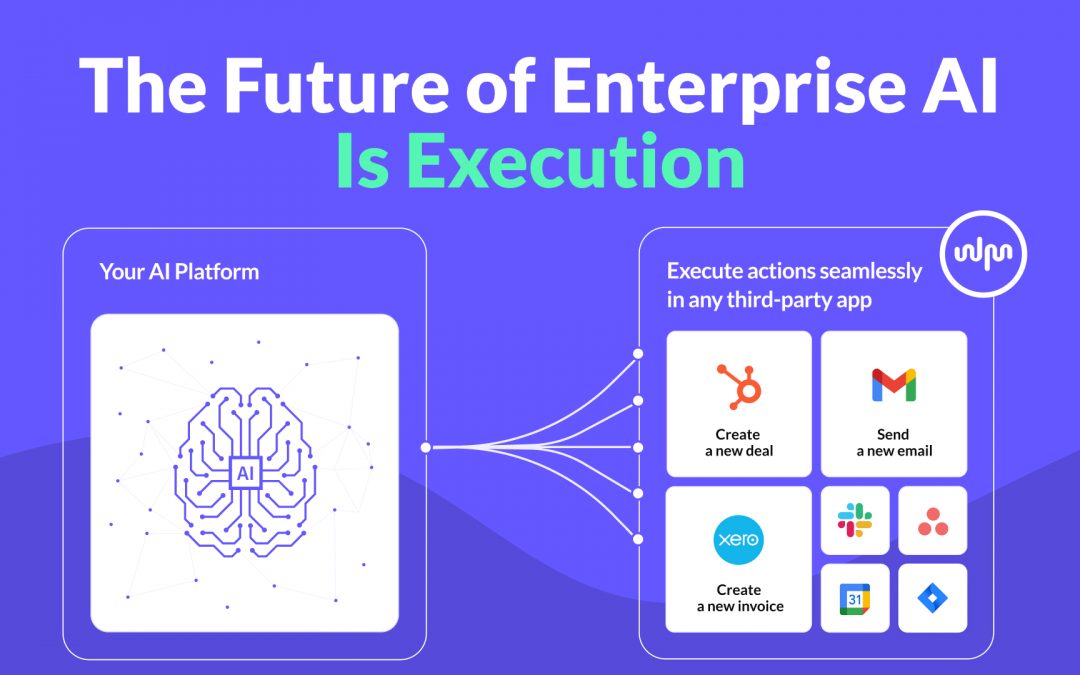
Enterprise AI platforms are advancing fast. They can reason, generate insights, and even plan actions. But real value does not emerge from intelligence alone. It emerges from execution. In this post, we explore why execution is the defining challenge for enterprise AI platforms and why an execution layer becomes the critical infrastructure that turns AI into an operational system.
Why Workflow Builders Unlock Real Value by Connecting Apps
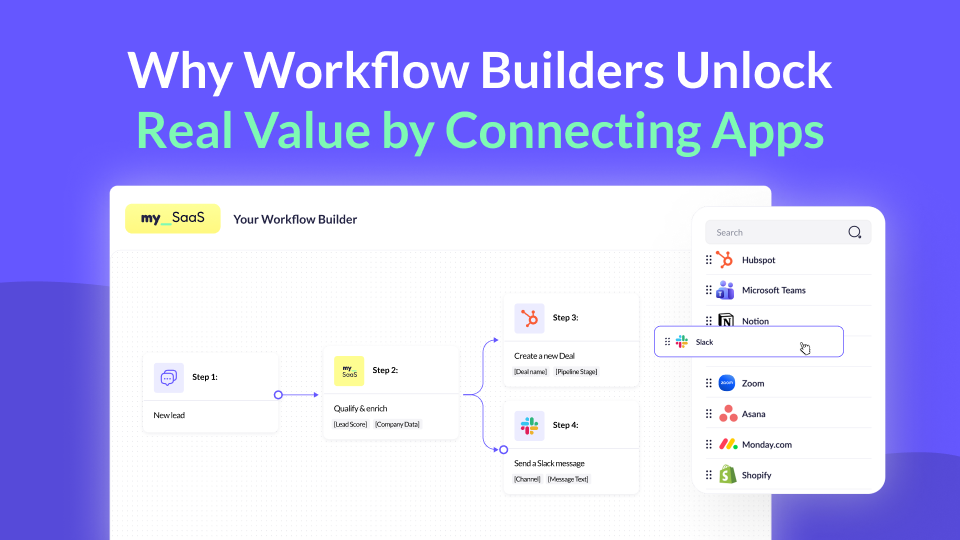
Workflow builders are becoming a key part of modern SaaS products. But where does their real value actually come from? In this post, we explore why connecting the apps customers already use makes workflow builders truly powerful, value-driving features, and why this matters more than ever.
Using MCP for Workflow Automation: What Works, What Doesn’t, and What You Actually Need
MCP standardizes how AI agents access tools, but it’s often mistaken for a workflow engine. In reality, it lacks structure, state, and governance. This article explains why MCP alone can’t power workflows and what additional layer you need to run automations reliably – including where FlowMate fits.
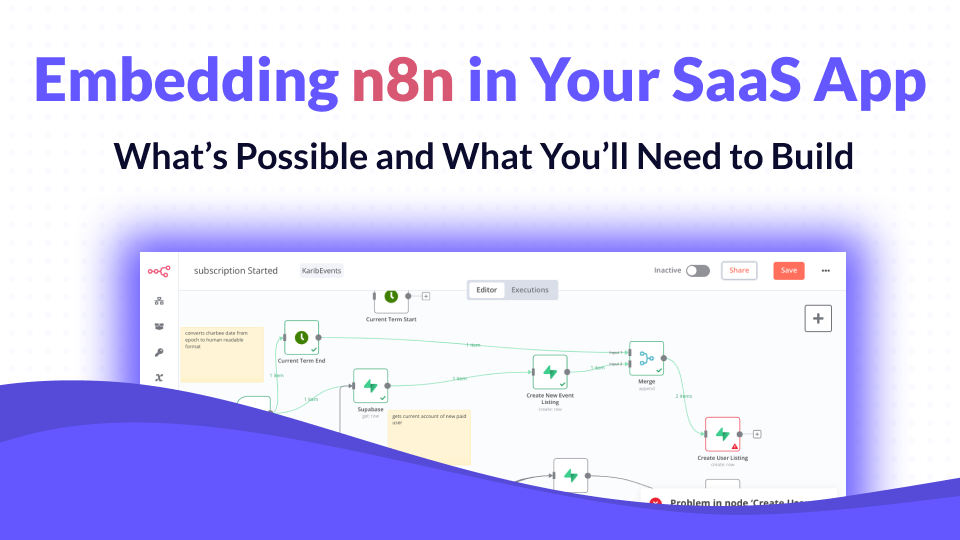
Embedding n8n in Your SaaS App: What’s Possible and What You’ll Need to Build
n8n has become one of the most popular workflow automation tools in the world, open-source, flexible, and developer-friendly. But when SaaS companies try to embed it into their own product, reality quickly gets complicated. In this article, we’ll unpack what n8n can do inside a SaaS product, what it can’t, and what you’d need to build to make it truly work at scale.
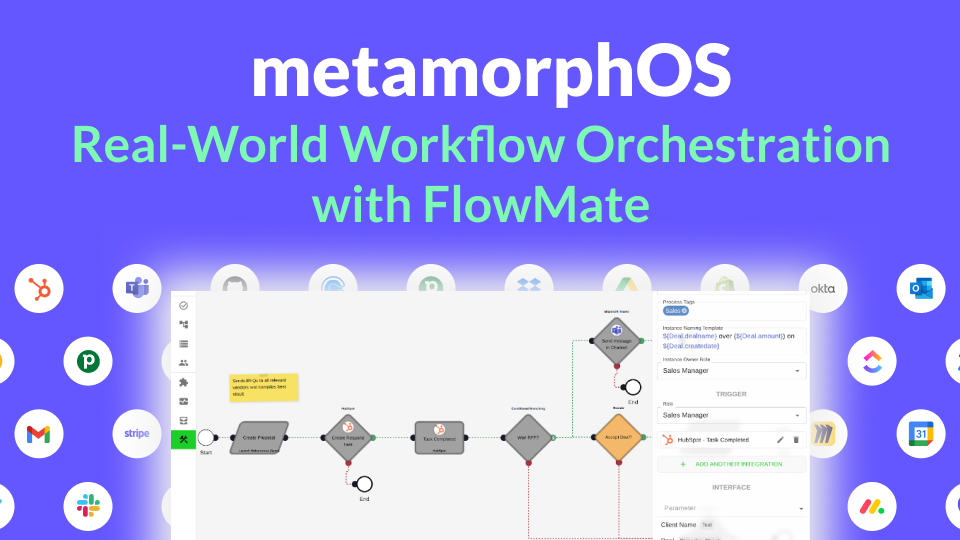
How metamorphOS Uses FlowMate to Power Real-World Workflow Orchestration
Discover how metamorphOS powers real-world workflow orchestration with FlowMate. By embedding FlowMate’s automation and integration engine, metamorphOS connects people, AI agents, and apps into seamless business processes. Learn how this partnership turns complex, manual workflows into scalable, automated success.
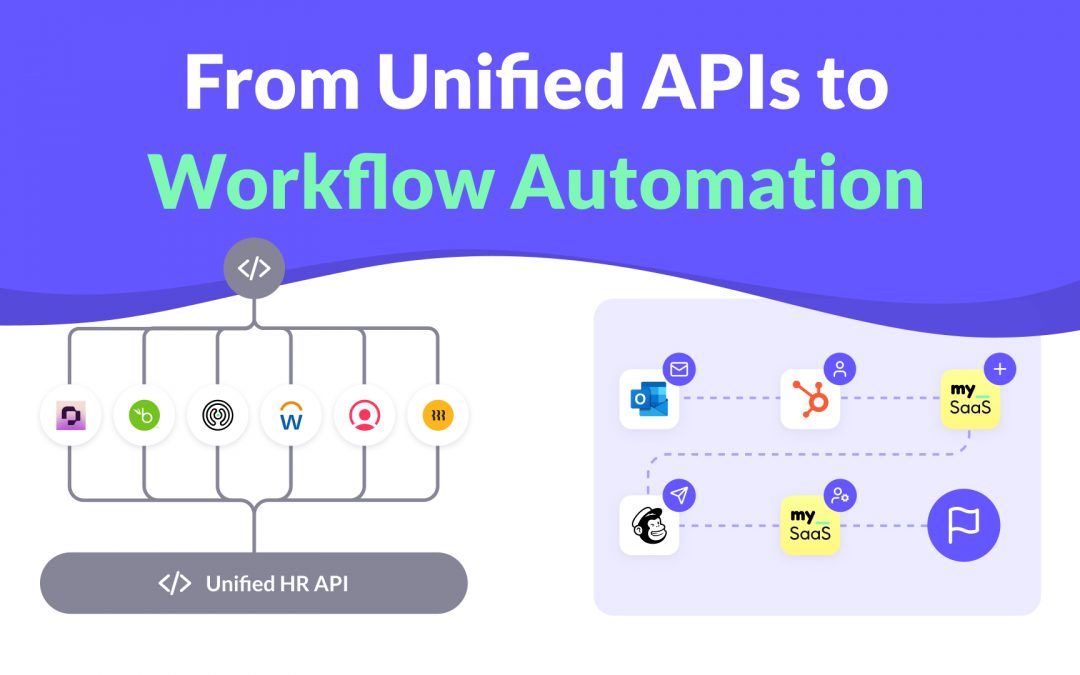
From Unified APIs to Workflow Automation
Unified APIs simplify data access, but modern SaaS products need more. This post explains why syncing data is not enough to deliver customer value and how event-driven triggers, actions, and workflows are redefining integration. Learn how moving from static connections to intelligent automation helps SaaS providers build integrations that adapt to real processes and create real workflow enablement.

How to Launch New Integrations: A Go-To-Market Playbook for SaaS Teams
Learn how to turn your next integration launch into a strategic growth campaign, not just a technical release. This step-by-step playbook shows SaaS teams how to unlock revenue, improve retention, and generate demand by treating integrations as powerful go-to-market assets, not just features. If you want more from your integration investments, this guide is for you.

Empower Your AI Agent to Execute Real Actions Across Any SaaS Tool
Many SaaS teams are racing to embed AI agents into their products, but most AI agents are starkly limited. Why? Because they lack the infrastructure to take real action across third-party tools. In this post, we unpack what’s missing, why the MCP standard matters, and how FlowMate MCP turns your AI agent into an operator by unlocking real automation across your customers’ stack.

Monetizing Automation & Integrations: Turn Customer Pain into Your MRR
Most SaaS companies underestimate the business value of automation and integrations. In this post, we explore how native automation not only improves product stickiness but also opens the door to entirely new revenue streams. Learn how to boost MRR while helping your customers save money by replacing costly third-party automation tools.

The Missing Piece in SaaS Workflow Automation: Real-Time Integrations
Many SaaS products offer workflow automation within their app—but real-time, event-driven integrations with third-party apps are often missing or hard to implement. In this post, we explore why they’re essential for modern SaaS platforms and how teams can overcome the technical hurdles.
Get all integrations you need always up to date
Access over 120 pre-built integrations for rapid connectivity with your SaaS. Get integrations from our roadmap tailored to your requirements in the short-term. We create any integration you need using public APIs by arrangement, ensuring your integration needs are met swiftly and effectively.
