What are Agent Flows in FlowMate?
Agent Flows enable AI agents to securely execute actions across the SaaS applications your customers use. Instead of letting an AI agent call external APIs directly, Agent Flows provide a governed execution layer that manages authentication, permissions, and workflow control. This ensures that actions triggered by an AI agent are executed reliably and within defined guardrails. Agent Flows are one of the automation scenarios within the FlowMate Automation OS.
Why do AI agents need an execution layer like Agent Flows?
AI agents can decide what actions should happen, but they should not receive direct, unrestricted access to external APIs. In enterprise workflow automation, every action must follow defined permissions, access rights, and governance guardrails so the agent can only do exactly what it is allowed to do. Agent Flows provide that controlled execution layer between the AI agent and the customer’s SaaS apps. This ensures actions are executed securely, within approved boundaries, and according to the customer’s governance model.
How are Agent Flows different from traditional integrations?
Traditional integrations connect two systems with predefined workflows. Agent Flows enable AI-driven execution where actions are triggered dynamically based on user intent and AI reasoning. Instead of static integrations, the AI agent decides what should happen while FlowMate manages how the action is executed. This allows SaaS platforms to deliver intelligent cross-app automation without building complex execution infrastructure.
What types of actions can AI agents perform using Agent Flows?
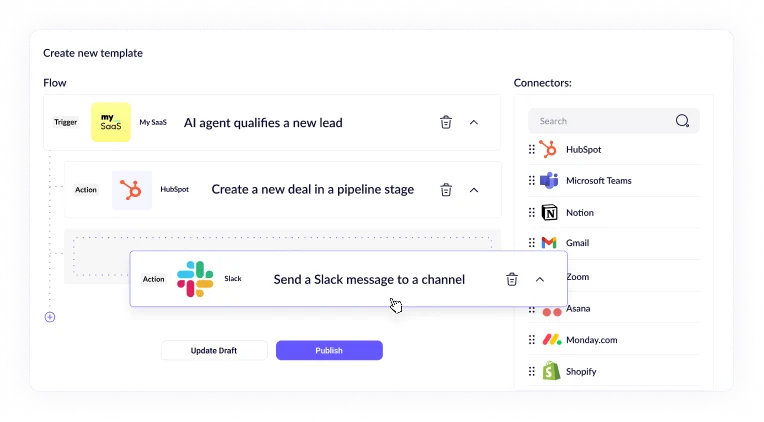
AI agents can trigger actions across a wide range of SaaS applications, such as updating CRM records, creating contracts, sending notifications, or triggering operational workflows. The specific actions depend on the connected applications and the workflows defined within FlowMate. Agent Flows ensure that each action follows user permissions and tenant-level governance. This allows AI agents to operate safely across the entire SaaS stack.
How does FlowMate ensure secure execution for AI-driven workflows?
Every action executed through Agent Flows respects user-level permissions and tenant boundaries. FlowMate manages authentication, credential storage, and governance guardrails to ensure actions are executed only within approved access levels. This prevents AI agents from triggering operations that users are not authorized to perform. The result is controlled and compliant automation across customer systems.
How do Agent Flows relate to Dynamic Events and Automated Flows?
Dynamic Events, Automated Flows, and Agent Flows are three automation scenarios within the FlowMate Automation OS. Dynamic Events let your product send real-time, context-rich events that trigger actions in connected SaaS apps. Automated Flows enable structured, multi-step workflows across systems. Agent Flows allow AI agents to trigger secure actions across apps based on user intent.
Do Agent Flows work with any SaaS application?
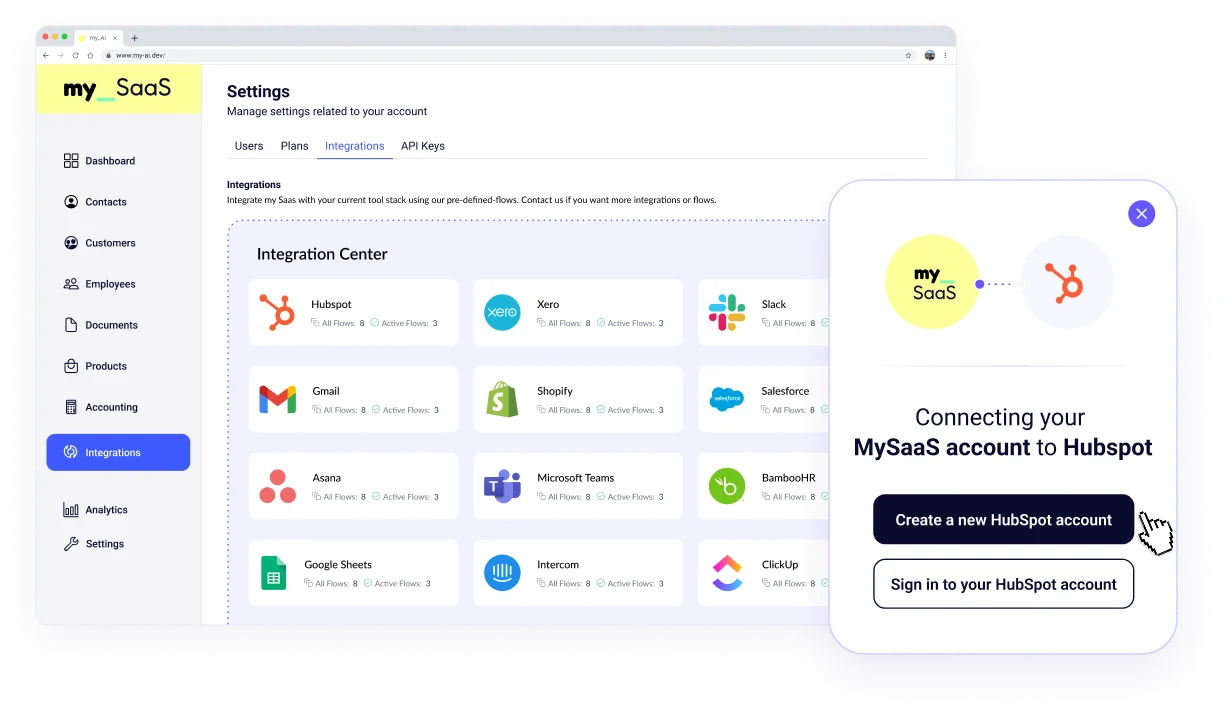
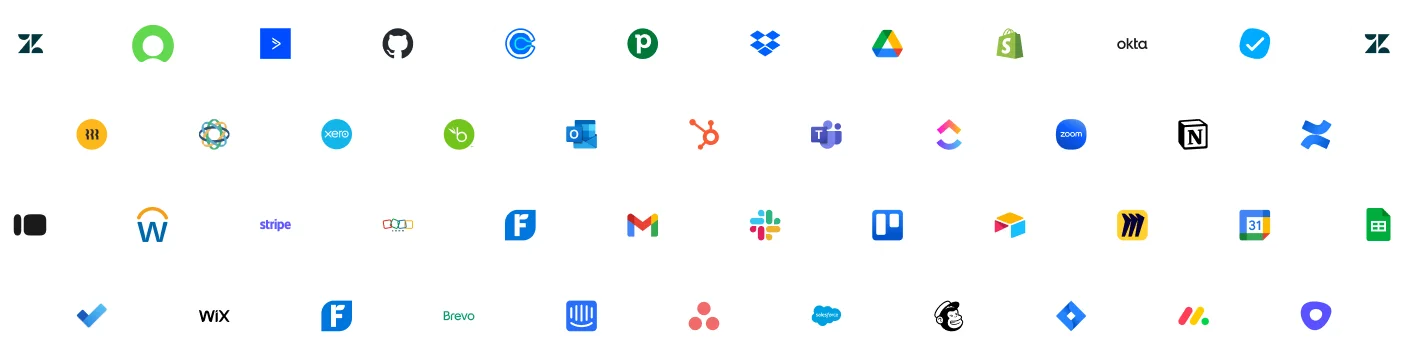
FlowMate provides a catalog of ready-to-use connectors that enable execution across many common SaaS applications. If a customer application exposes an API, FlowMate can extend execution coverage to that system. This ensures AI agents are not limited by predefined integrations. As a result, Agent Flows can operate across the entire SaaS stack used by your customers.
Who typically uses Agent Flows?
Agent Flows are designed for SaaS companies and AI platforms that want to embed AI agents capable of executing real actions across external systems. Product teams use Agent Flows to enable cross-app automation without building their own integration infrastructure. AI platforms use it as the execution layer behind agent-driven workflows. This allows both types of companies to deliver reliable AI-powered automation to their users.
How do developers integrate Agent Flows into their product?
FlowMate provides an API-first platform that allows developers to trigger actions and workflows programmatically. When an AI agent decides that an action should happen, it calls the FlowMate execution API. FlowMate then handles authentication, governance, and execution across the connected SaaS applications. Detailed implementation guidance is available in the FlowMate developer documentation.