

Frank Tuerling
Why Workflow Automation Has Become a Must-Have for SaaS Companies
Today’s SaaS customers expect integrations and automation out of the box. They want to connect their favorite tools, trigger actions automatically, and customize workflows without leaving your app.
That expectation has created a massive opportunity and challenge for SaaS providers. To stay competitive, you need an automation layer that is flexible, secure, and scalable. That’s why many product teams are turning to workflow engines like n8n as a potential backbone for their automation strategy.
But can n8n really serve as an embedded automation platform for your customers?
Let’s explore that in detail.
Inside n8n: A Powerful Workflow Engine for Single-Tenant Use
n8n is an open-source workflow automation platform that enables teams to connect APIs, automate internal processes, and orchestrate data flows visually through a node-based builder. It’s often described as a developer-friendly Zapier, offering deep flexibility and the ability to self-host, write custom JavaScript nodes, and integrate with hundreds of external tools.
For internal automation, n8n is fantastic:
-
- Automate marketing or CRM updates,
- Synchronize internal data across tools,
- Trigger AI content generation or reporting flows,
- Keep all data under your own infrastructure.
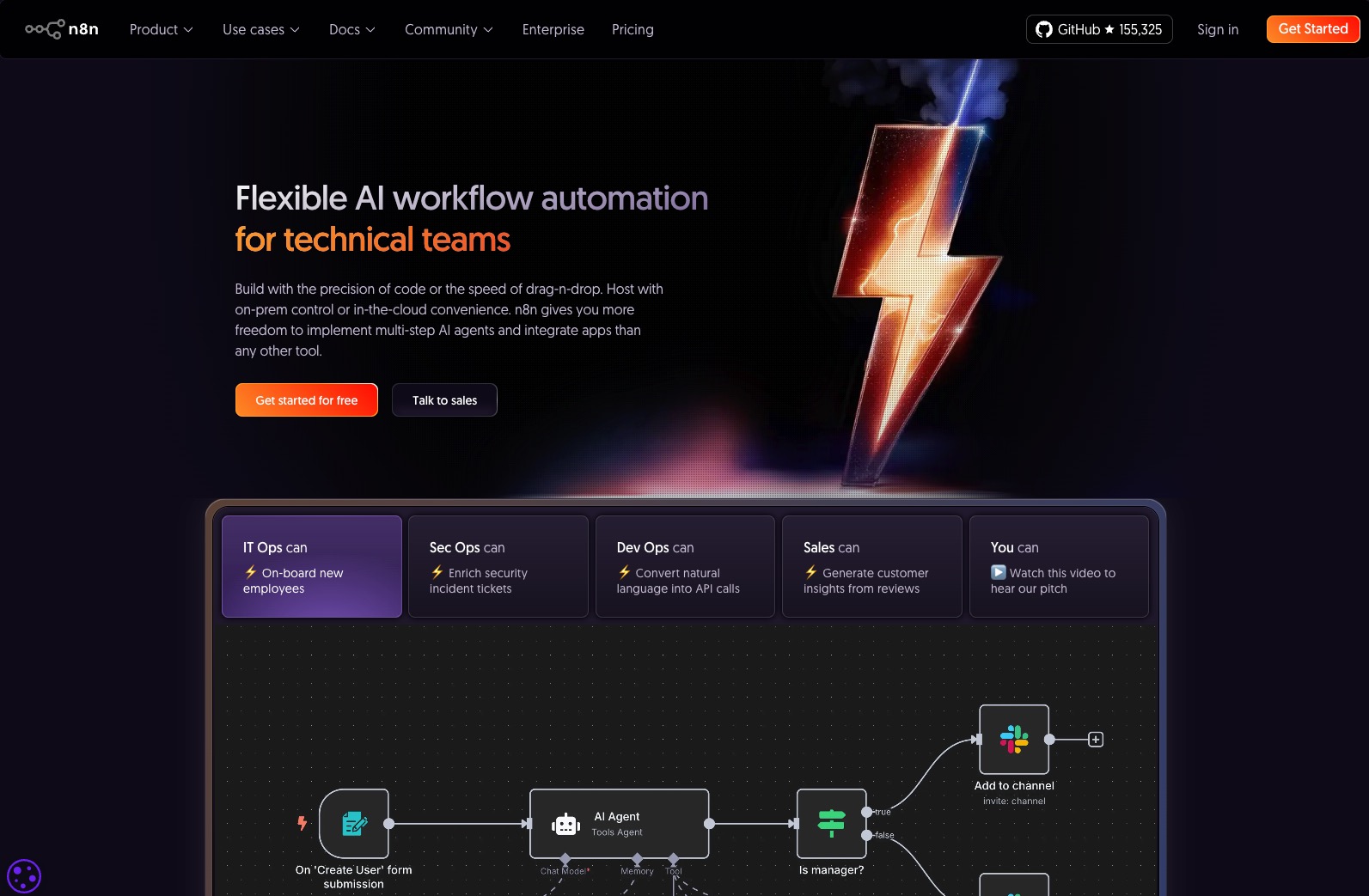
n8n recently raised a $180M Series C round at a $2.5B valuation, a strong signal of market validation and the growing importance of workflow automation as a category. It’s an incredible achievement that highlights n8n’s strength and the broader demand for programmable workflow automation.
The power of n8n for internal automation is undeniable, but what happens when you try to extend that same capability to thousands of customers inside your own SaaS product? Here’s the catch: n8n is designed for single organizations, not for multi-tenant SaaS platforms. Its architecture and licensing model both reflect that focus.
The AI Hype: Great for Builders, Irrelevant for End Users
Recently, n8n announced new AI-powered workflow creation features. You can now describe automations in natural language and let AI build the workflow for you.
n8n’s new AI-powered workflow creation is impressive, yet it mainly helps builders, not customers.
n8n’s AI features streamline workflow creation, not workflow usage. They assist the engineer or admin setting up the automations, not the end user who interacts with them.
Most SaaS customers don’t want to build workflows. They want to activate prebuilt ones, within your product, using their own data and permissions. They need governance, authentication, and visibility, not a workflow editor.
This is where n8n’s approach stops short. In a SaaS context, the company itself becomes the builder using n8n as a backend, while end users cannot directly benefit from these AI features since n8n does not offer a native, easy-to-use front-end interface. Its AI helps builders create faster, but it doesn’t provide an accessible layer for customers to interact with or activate workflows themselves.
If your customers are looking for internal automation orchestration and flexibility to build it themselves, they would likely choose tools like n8n, Zapier, or Make for their own organization directly.
Technical Reality: Why n8n Can’t Scale to Multi-Tenant SaaS
Let’s assume you’re building automation capabilities for a SaaS product that will serve around 1,000 customers, each with their own users, permissions, and data. n8n doesn’t natively support such a multi-tenant SaaS architecture out of the box. From there, the technical complexity increases significantly, as supporting multiple tenants requires new architectural components.
A popular developer video summarizes it perfectly:
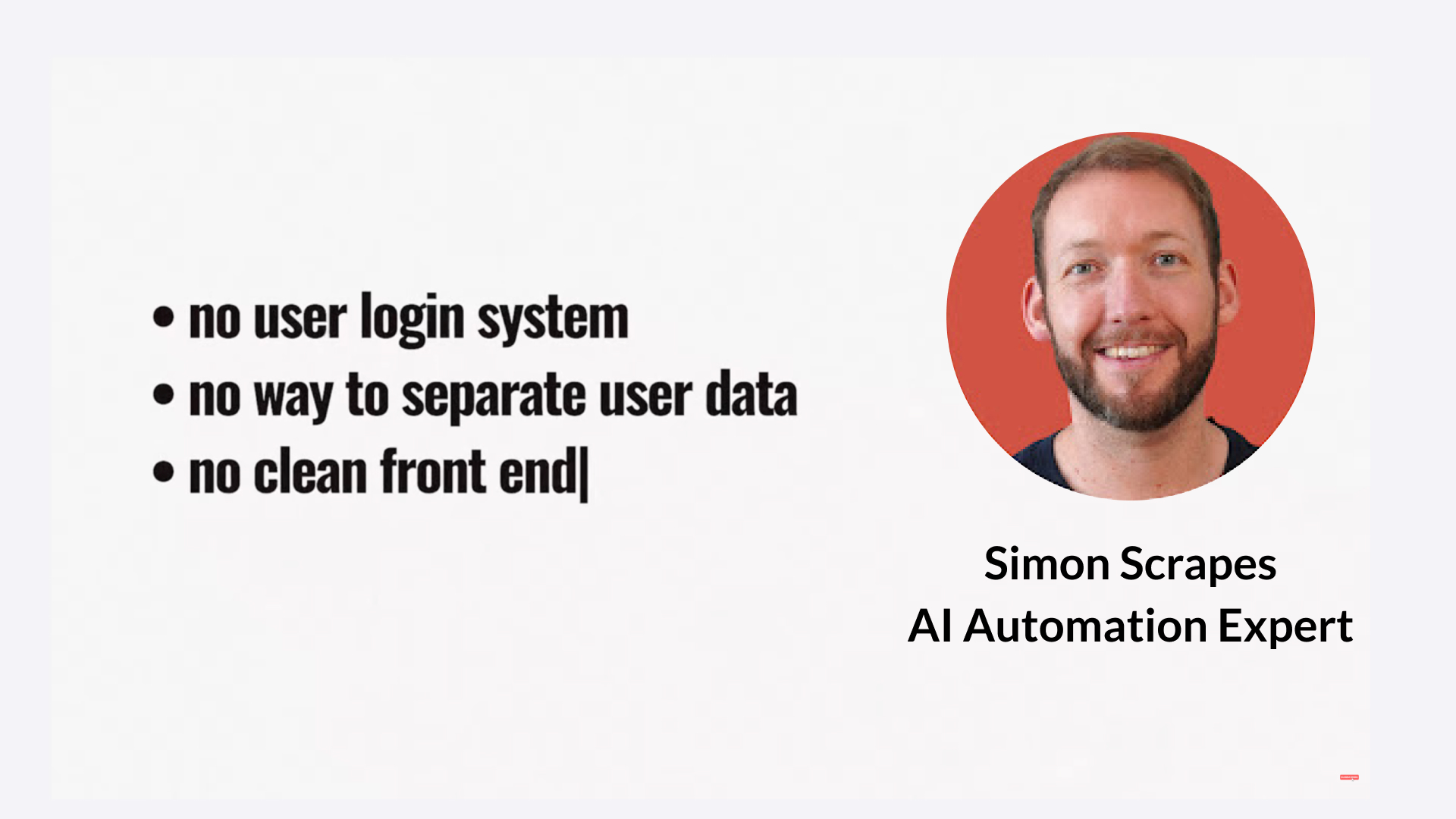
Source: YouTube – Package n8n Workflows Into a Simple SaaS (Zero Code)

That means:
-
- All executions share the same context.
- There’s no built-in tenant or user separation.
- You can’t attribute actions to specific customers.
- You can’t deliver usage-based billing or per-customer analytics.
In essence, making n8n SaaS-ready would require adding identity, governance, and usage tracking layers, effectively rebuilding the missing multi-tenant automation framework on top of n8n.
What You’d Need to Build Yourself with n8n
After understanding n8n’s architectural limits, the next natural question is: what would you have to build to make it SaaS-ready? If you choose to embed n8n, here’s the minimum architecture you’ll need to design, develop, and maintain:
🧹 Tenant registry and identity service
🔑 Credential broker and OAuth isolation per customer
📊 Usage tracking and billing integration
🧠 Role-based permission and governance framework
🖥️ Branded front-end for activation and monitoring
🗞️ Customer-specific logging for customer support
That’s a significant engineering and compliance effort. For early-stage or mid-size SaaS companies, it’s often the point where embedding n8n turns into building an iPaaS platform, which may not align with your core product focus. This shift moves the discussion from technical to business considerations: once the engineering effort becomes this large, it’s time to evaluate the return on investment. As a result, the question shifts from Can we build it? to Should we build it? and that’s where you’ll need to navigate licensing and compliance considerations.
Licensing Limits and Compliance Risks
After reviewing the technical implications and what needs to be built, you’ll also want to consider the legal and commercial perspective. The licensing framework defines what you’re actually allowed to do with n8n when it comes to embedding or exposing it within your SaaS, and it’s here where many product teams encounter unexpected limitations.
n8n’s Sustainable Use License (SUL) explicitly limits usage to internal business purposes. It prohibits hosting n8n and charging customers for access, and it disallows workflows that dynamically use customer credentials to connect to their own systems (like HubSpot or Salesforce).
If you plan to expose n8n-based functionality to your customers, you’ll need to negotiate a separate Embed License. That’s possible, but it’s individual, commercial, and often costly.
You’ll still be responsible for building everything around it: user management, access control, governance, and multi-tenancy.
Data Protection: Another Layer of Complexity
Since n8n is built for use within a single organization, all customer data in an embedded scenario would reside inside the same system instance. This raises serious questions about data protection and compliance. You’ll need to ensure, and contractually guarantee, that every customer’s data remains strictly separated. Without native multi-tenancy or a defined DPA framework for such use, that assurance becomes your responsibility.
These limitations show that n8n’s licensing and compliance model were never intended for multi-tenant SaaS use. Let’s look at what a purpose-built alternative approach would look like.
FlowMate: Purpose-Built for Multi-Tenant SaaS Automation
Before we analyze the business economics, it’s worth briefly introducing FlowMate. FlowMate was designed from the ground up for SaaS companies that need to provide integrations and automation to many customers simultaneously. Unlike single‑tenant workflow tools, FlowMate operates on a true multi‑tenant foundation, allowing shared infrastructure, secure credential management, and usage data aggregation across all tenants.
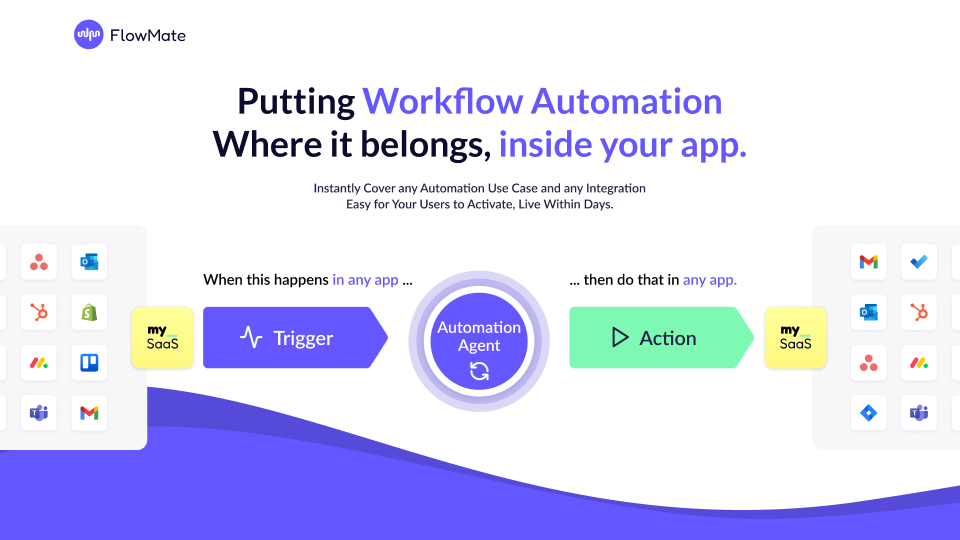
FlowMate provides governed execution, white-label embedding, and an API that exposes per-tenant activity metrics, helping SaaS teams monetize automation and scale efficiently.
With this multi-tenant foundation in mind, the next step is to understand how the economics compare when scaling automation across hundreds or thousands of customers.
Business Economics: Scaling n8n vs. FlowMate
Let us now dive deeper and evaluate n8n from the perspective of a SaaS business with around 1,000 customers. This helps illustrate how architectural and licensing considerations translate into real operational and financial impact.
Here’s the n8n pricing as of November 2025. Let’s assume the Pro Plan would be a great fit for your typical customer. If 10k executions serve as an average consumption level, it costs about 60 EUR or 65 USD per month per account.
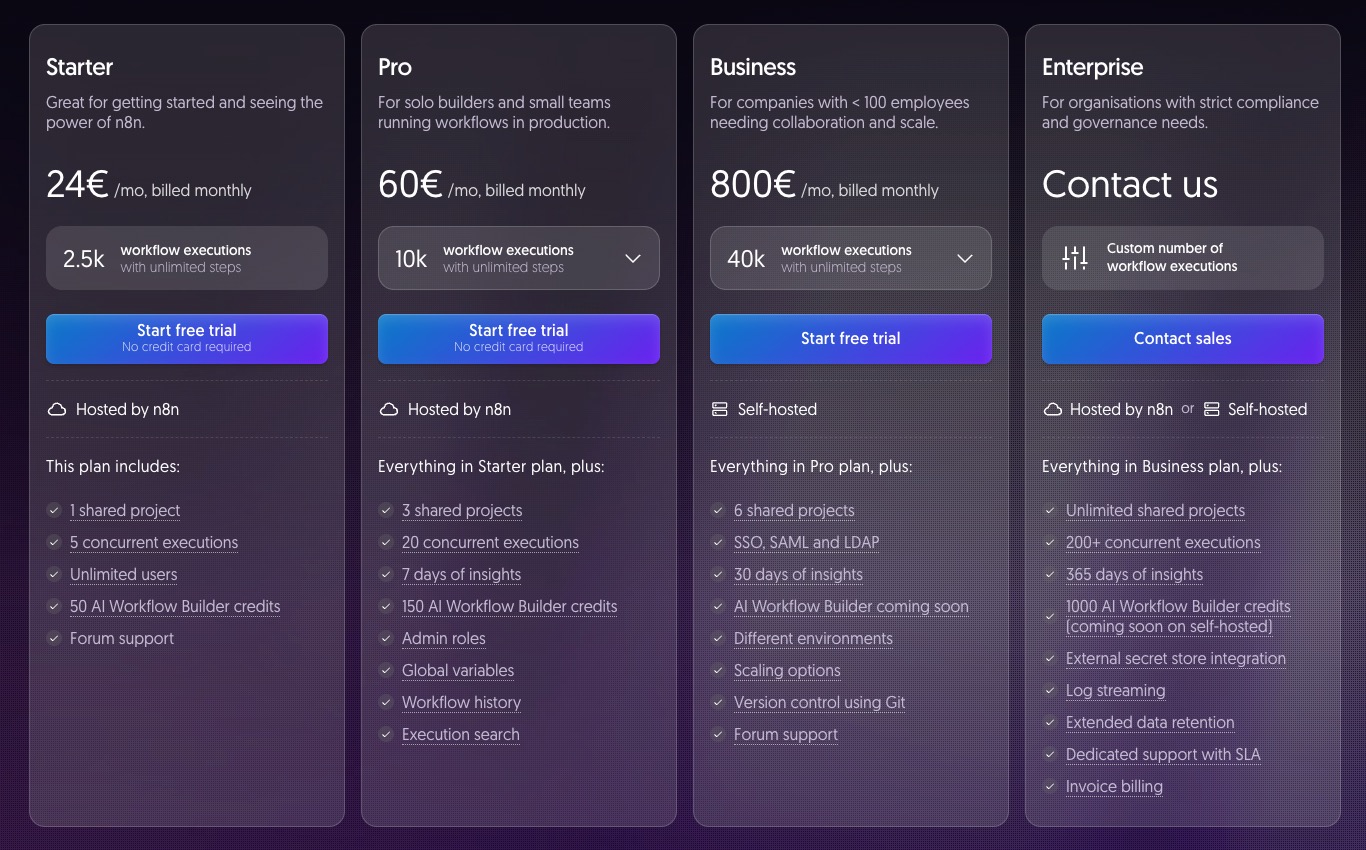
Source: n8n.io/pricing
As you can see, this public pricing of n8n makes sense for a single-tenant team, but it breaks for SaaS-scale delivery. FlowMate’s model is designed for multi-tenancy: one pool of actions that can be shared across all your customers.
To illustrate, let’s compare the monthly costs of scaling with n8n versus FlowMate. If you have 1,000 customers running 10,000 executions each (10 million total):
With n8n Pro:
You would need 1,000 instances → 60 EUR × 1,000 = 60,000 EUR per month
≈ 65 USD × 1,000 = 65,000 USD per month
With FlowMate Scale:
You would pay 1,600 EUR + variable usage (0.40 EUR per extra 1,000) ≈ 3,600 EUR per month
≈ 1,730 USD + usage ≈ 3,900 USD per month
That is a 94 percent lower cost base and a scalable model that supports SaaS economics. And if you are looking to monetize your automation features, these economics will be critical to your success.

Unlock Your Embedded Automation Potential.
Deliver real value—launch automations with all the integrations your customers need, embedded directly in your app within days.
Start Now
Why Some SaaS Companies Build Their Own Workflow Layer
There’s another perspective to consider: some SaaS companies deliberately build their own workflow builders. They do this because the builder itself is part of their core product experience, it reflects their logic, data model, and customer workflows. Owning that builder ensures it feels native, is strategically aligned, and can evolve together with the product.
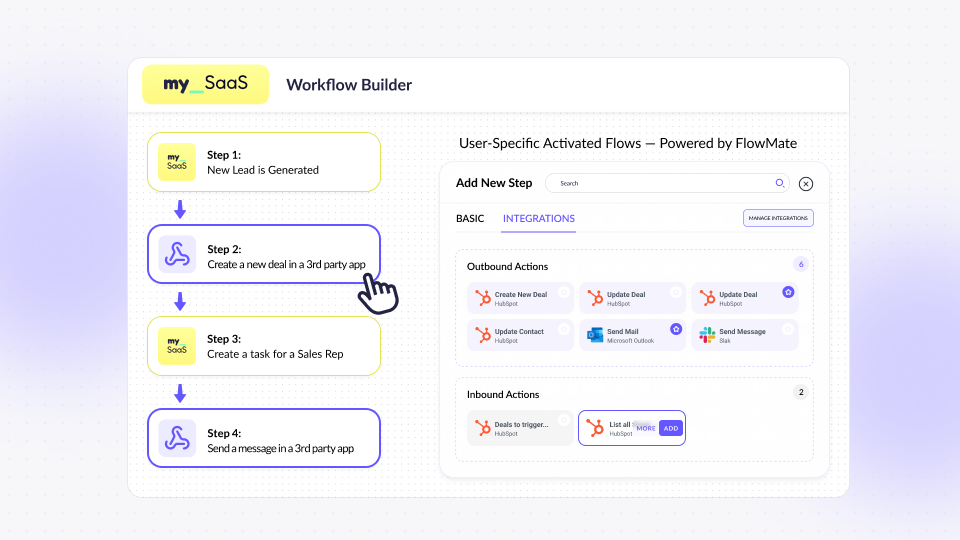
However, even those who develop their own builders still face the same challenge of powering integrations behind it, securely, scalably, and with governance. That’s exactly where FlowMate comes in: as the embedded integration layer that complements a custom workflow builder without replacing it.
What We Learned (and What to Consider Next)
Stepping back from the details, a clear picture emerges. n8n shines as a workflow engine for single-tenant use cases, but embedding it into a SaaS product at scale introduces limitations that touch nearly every layer of your business, from architecture to licensing, from cost structure to customer experience.
In summary, n8n is brilliant for internal automation, yet not designed for customer-facing SaaS models. Its AI assists builders, not end users. The licensing framework limits embedding, and without multi-tenant support, companies would have to build the entire governance and tracking layer themselves. When you add up the engineering investment and linear cost growth, it’s clear why n8n scales poorly for SaaS providers.
This leads to an important insight: the difference between automation within a company and automation for a company’s customers. Bridging that gap requires a platform designed for multi-tenant governance and customer activation, a foundation that lets SaaS businesses deliver automation as a value-added feature, not an infrastructure burden.
Conclusion: Internal Automation vs. Customer Automation
n8n is a fantastic tool for internal automation. Its open nature, flexibility, and active community make it one of the best choices for teams that want control over their workflows.
But for SaaS companies building customer-facing integrations and automation, the story changes. You need a governed, multi-tenant automation layer that integrates seamlessly into your product, respects user authentication, and provides usage data for billing and growth.
That’s a different architectural problem — one FlowMate was purpose-built to solve.

Ready to see what multi-tenant automation looks like?
🔗 Book a demo or sign up for an account and see how you can provide governed, branded integrations to every customer, without building your own platform.
Start Your Growth Journey With Seamless Integration Today

More articles from our Blog
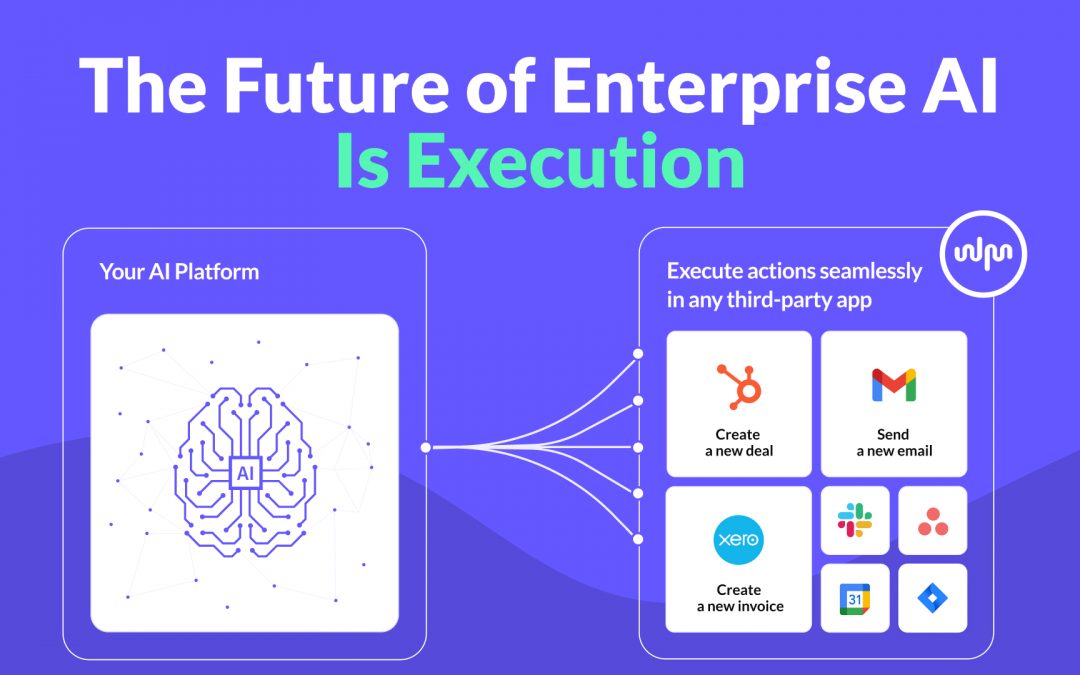
The Future of Enterprise AI Is Execution
Enterprise AI platforms are advancing fast. They can reason, generate insights, and even plan actions. But real value does not emerge from intelligence alone. It emerges from execution. In this post, we explore why execution is the defining challenge for enterprise AI platforms and why an execution layer becomes the critical infrastructure that turns AI into an operational system.
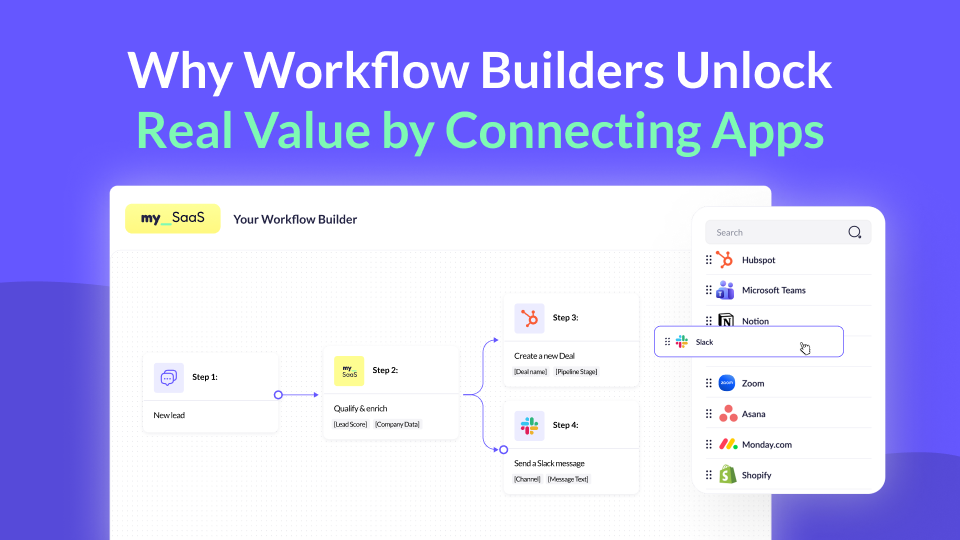
Why Workflow Builders Unlock Real Value by Connecting Apps
Workflow builders are becoming a key part of modern SaaS products. But where does their real value actually come from? In this post, we explore why connecting the apps customers already use makes workflow builders truly powerful, value-driving features, and why this matters more than ever.
Using MCP for Workflow Automation: What Works, What Doesn’t, and What You Actually Need
MCP standardizes how AI agents access tools, but it’s often mistaken for a workflow engine. In reality, it lacks structure, state, and governance. This article explains why MCP alone can’t power workflows and what additional layer you need to run automations reliably – including where FlowMate fits.
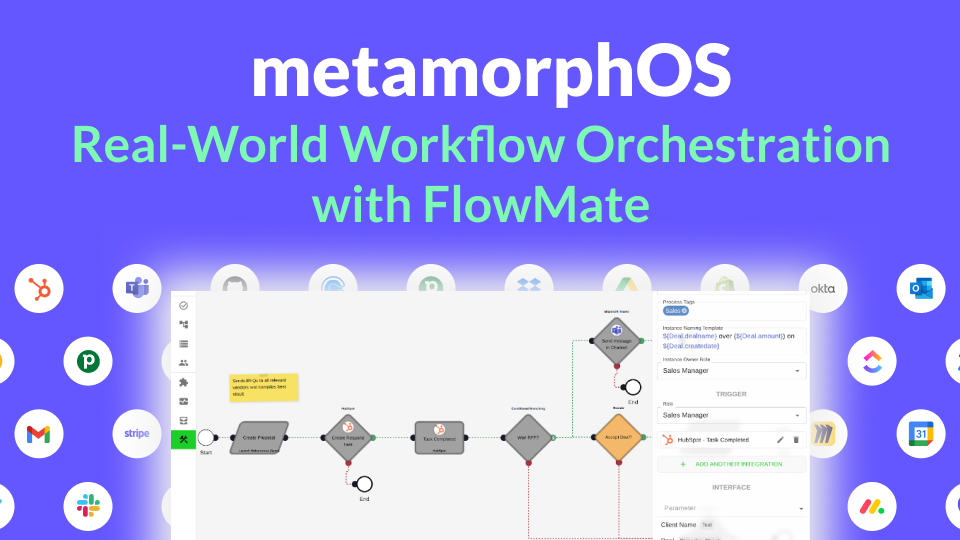
How metamorphOS Uses FlowMate to Power Real-World Workflow Orchestration
Discover how metamorphOS powers real-world workflow orchestration with FlowMate. By embedding FlowMate’s automation and integration engine, metamorphOS connects people, AI agents, and apps into seamless business processes. Learn how this partnership turns complex, manual workflows into scalable, automated success.
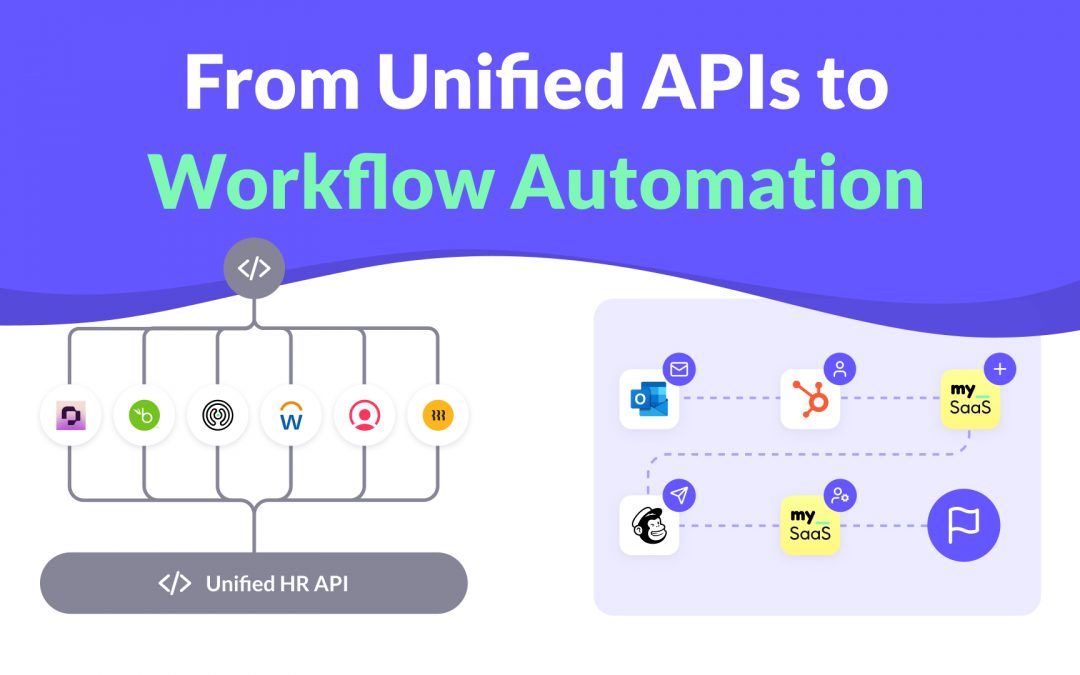
From Unified APIs to Workflow Automation
Unified APIs simplify data access, but modern SaaS products need more. This post explains why syncing data is not enough to deliver customer value and how event-driven triggers, actions, and workflows are redefining integration. Learn how moving from static connections to intelligent automation helps SaaS providers build integrations that adapt to real processes and create real workflow enablement.
How to Launch New Integrations: A Go-To-Market Playbook for SaaS Teams
Learn how to turn your next integration launch into a strategic growth campaign, not just a technical release. This step-by-step playbook shows SaaS teams how to unlock revenue, improve retention, and generate demand by treating integrations as powerful go-to-market assets, not just features. If you want more from your integration investments, this guide is for you.

Empower Your AI Agent to Execute Real Actions Across Any SaaS Tool
Many SaaS teams are racing to embed AI agents into their products, but most AI agents are starkly limited. Why? Because they lack the infrastructure to take real action across third-party tools. In this post, we unpack what’s missing, why the MCP standard matters, and how FlowMate MCP turns your AI agent into an operator by unlocking real automation across your customers’ stack.

Monetizing Automation & Integrations: Turn Customer Pain into Your MRR
Most SaaS companies underestimate the business value of automation and integrations. In this post, we explore how native automation not only improves product stickiness but also opens the door to entirely new revenue streams. Learn how to boost MRR while helping your customers save money by replacing costly third-party automation tools.

The Missing Piece in SaaS Workflow Automation: Real-Time Integrations
Many SaaS products offer workflow automation within their app—but real-time, event-driven integrations with third-party apps are often missing or hard to implement. In this post, we explore why they’re essential for modern SaaS platforms and how teams can overcome the technical hurdles.

The #1 Sales and Churn Pitfall for SaaS Companies: integrations
In today’s SaaS landscape, seamless integrations are essential for boosting sales and cutting churn. Overlooking them leads to lost deals and frustrated teams. This post reveals why integration is a must-have for driving growth and meeting customer workflow demands.

Why Workflow-Driven Integrations Are Essential for CRM Success
In today’s hyper-connected sales environment, managing workflows isn’t just about using a CRM—it’s about seamlessly connecting dozens of tools that power the sales pipeline. Sales teams rely on CRMs, lead generation tools, contract management software, analytics platforms, and more to streamline their processes and drive revenue.

Mastering 2-Way Sync: The Key to Seamless Data Integration
Picture this: Your customers use Salesforce to manage their sales processes while they use your product to manage customer service and gain unique insights. Without integration, Salesforce data—like deal history or contact details—remains siloed, and your product’s insights can’t flow back to Salesforce.
Get all integrations you need always up to date
Access over 120 pre-built integrations for rapid connectivity with your SaaS. Get integrations from our roadmap tailored to your requirements in the short-term. We create any integration you need using public APIs by arrangement, ensuring your integration needs are met swiftly and effectively.
