

Frank Tuerling
Workflow Builders Promise Value – But Rarely Deliver It
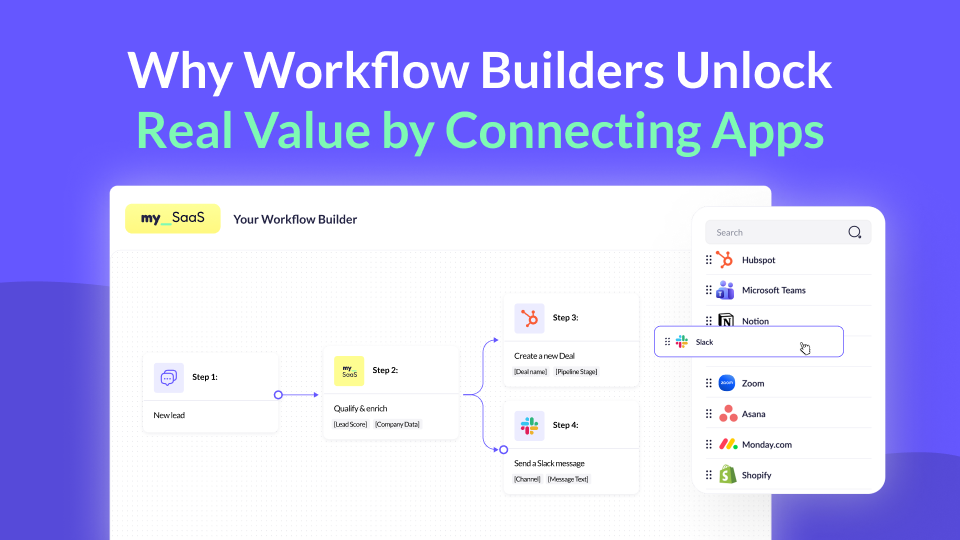
More and more successful SaaS companies are rolling out in-app workflow builders to give their customers more control over automation. Customers increasingly expect to automate processes, connect apps, and define logic without writing code. As a result, many SaaS teams ship workflow builders that allow users to define triggers, conditions, and actions inside their product.
In-app workflow builders are becoming a key differentiator for SaaS products that want to stay close to their customers’ operational reality.
But shipping a workflow builder is no longer the challenge.
The real challenge is turning it into something that delivers real value across the SaaS stack your customers already use, scales reliably across multiple apps, and becomes a strategic part of your product.
Most workflow builders look powerful on the surface. In practice, they often stop at internal logic and scheduled execution. As soon as workflows need to interact with external apps, react to real-time events, or operate reliably across many customers, limitations become obvious.
Once connectivity becomes the differentiator, a workflow builder on its own is no longer enough.
Why Workflow Builders Alone Are Not Enough
A basic workflow builder usually starts with good intentions. You define internal triggers, add conditional logic, and allow users to automate repetitive tasks inside your product. For many teams, this is the natural first step, and it already delivers value for simple, internal use cases.
The challenge begins when customer expectations evolve.
Customers do not think in features; they think in outcomes. They want workflows that help them run real processes, not just automate isolated steps inside a single app. As soon as workflows need to coordinate activities beyond your product, internal-only automation reaches its limits.
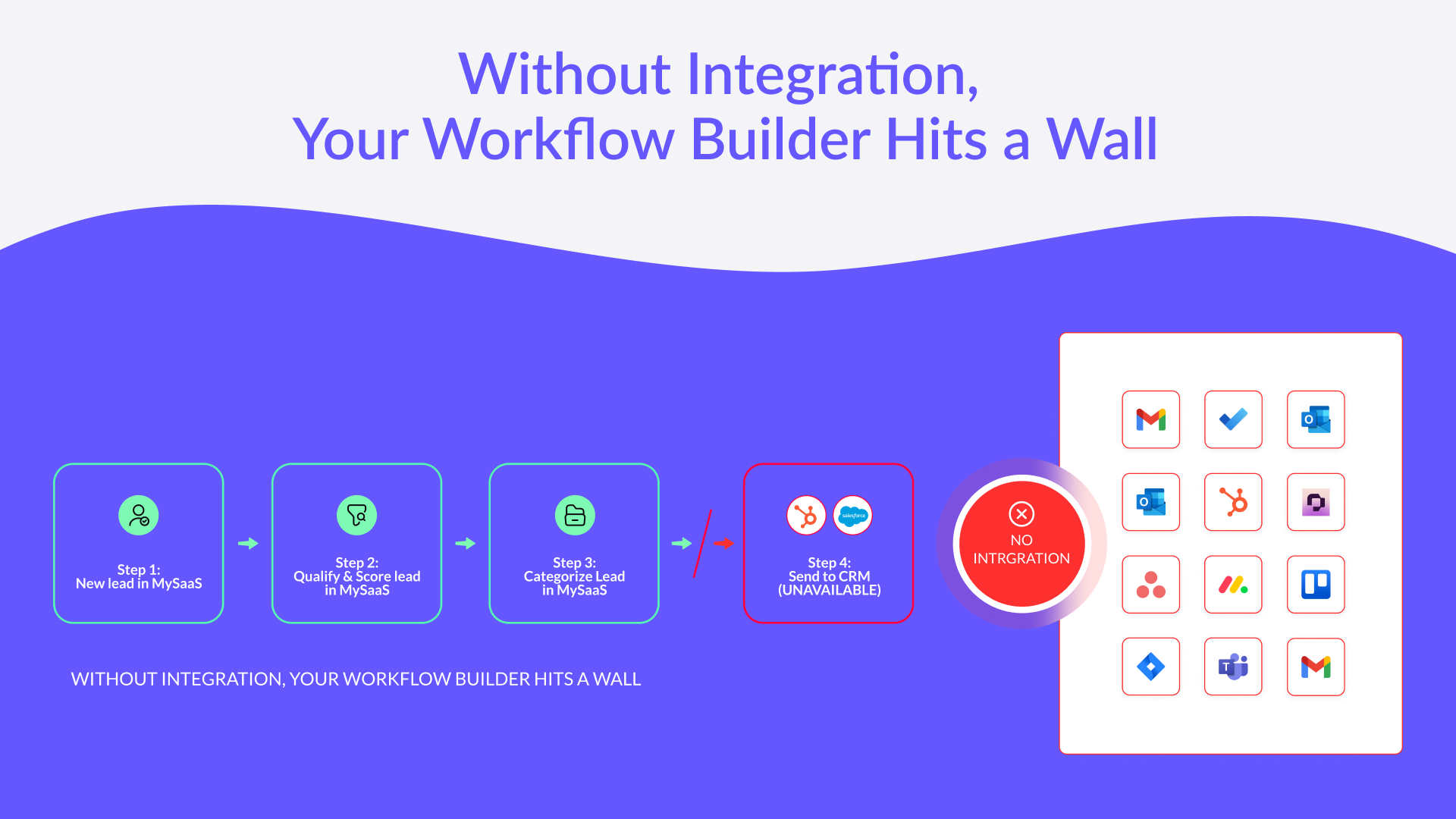
When this happens, customers start compensating. They connect external automation platforms, build parallel workflows, and move critical logic outside your product. The workflow builder is still there, but it no longer plays a central role in the customer’s automation strategy.
This is the moment where a workflow builder either matures into a strategic capability or degrades into a checkbox feature.
Why Integration Power Is the Missing Piece
The reason most workflow builders stall is not the workflow logic itself, but what happens around it.
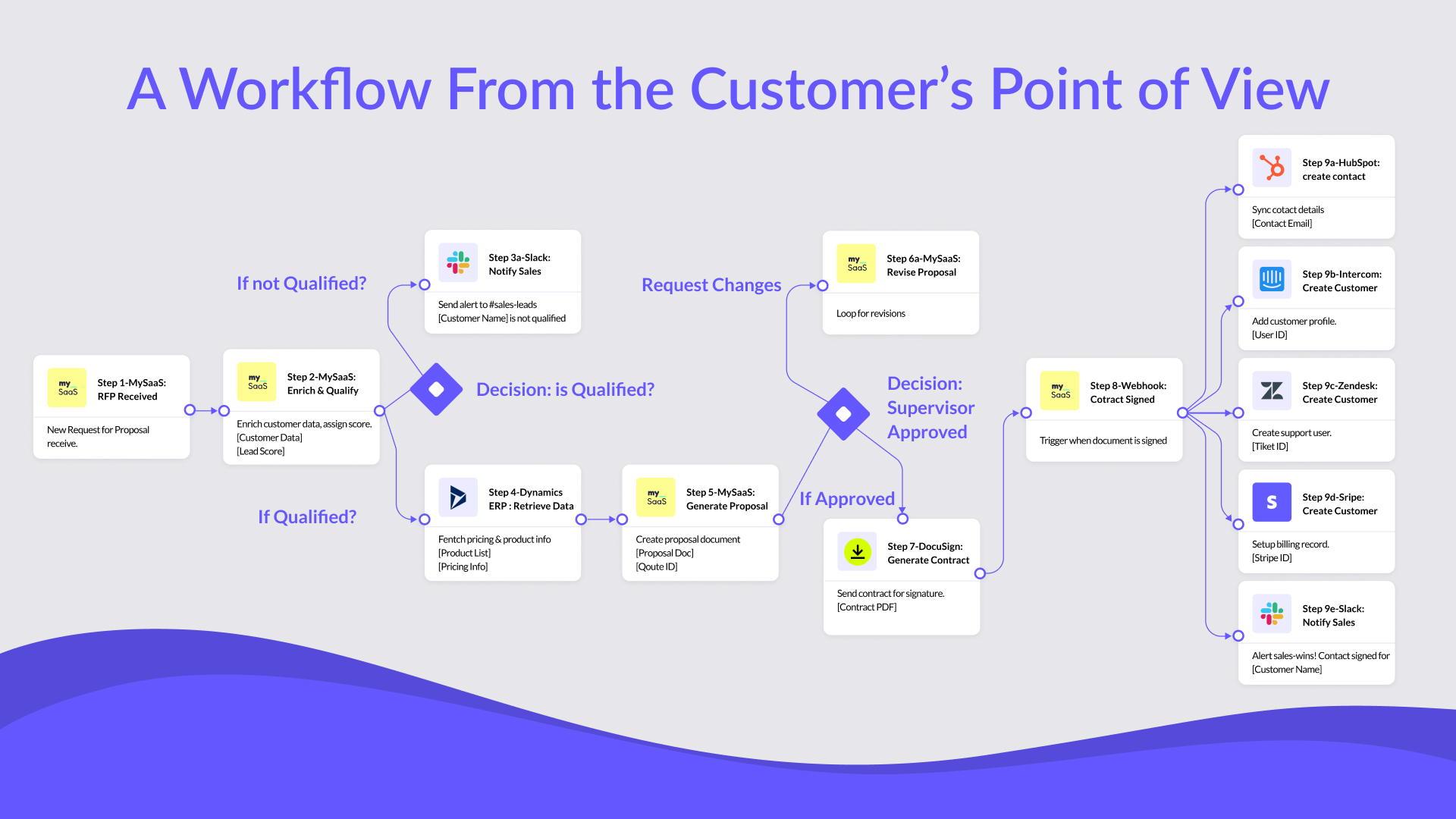
Real automation requires workflows to interact with the SaaS stack customers already use. Triggers need to originate from external platforms, and actions need to execute reliably across third-party apps. Without this integration layer, workflows remain confined and disconnected from real business operations.
This is where integration power becomes the defining factor. Event-driven execution, triggers, and actions across multiple systems turn workflows from internal helpers into orchestration engines.
In an earlier post, we explored how real-time webhooks enable SaaS products to move beyond polling and delayed execution. In the context of workflow builders, this capability becomes foundational. It allows workflows to react instantly to changes across platforms and maintain context as data moves between apps.
Integration-powered workflows are not just faster. They are more resilient, more accurate, and more aligned with how customers actually operate. They enable SaaS products to orchestrate processes instead of merely hosting logic.
Without strong integration capabilities, even the most elegant workflow UI will struggle to deliver lasting value.
Why External Automation Platforms Fall Short for SaaS Workflow Builders
At this point, many SaaS teams ask an obvious question: why not simply use an existing automation platform like Zapier or n8n to power a workflow builder?
These platforms are powerful and widely used, but they are designed for a very different purpose. Platforms like Zapier or n8n are built for individual users creating and running their own automations. They assume a single-tenant execution model, user-owned credentials, and workflows that live outside of your app.
When SaaS teams try to embed these platforms into their own product, structural limitations quickly appear. Managing strict tenant isolation, handling authentication per customer, controlling execution lifecycles, and scaling workflows reliably across hundreds or thousands of customers becomes extremely complex.
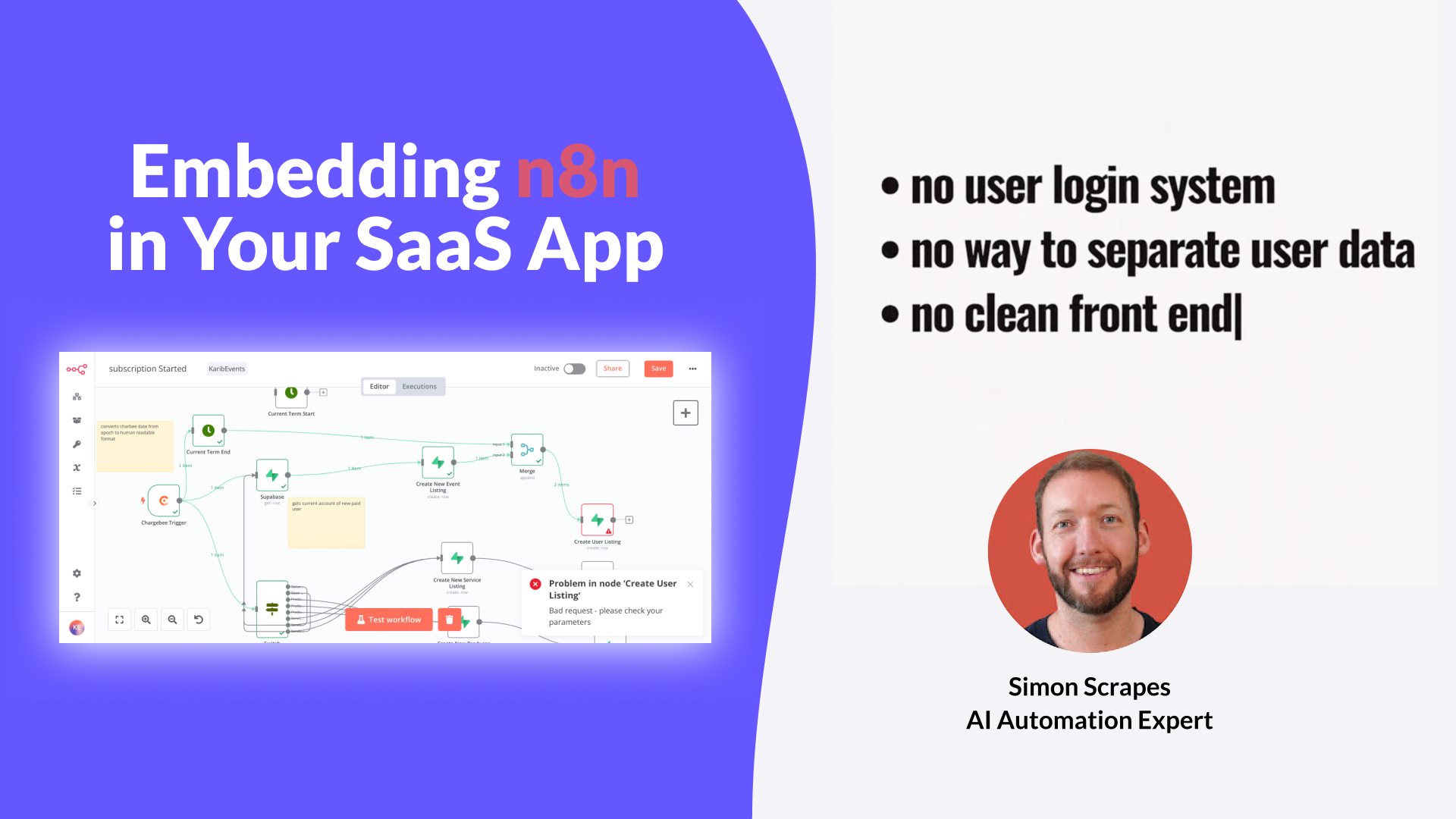
As a result, these platforms are not a realistic foundation for empowering an in-app workflow builder at scale. They were never designed to operate as a multi-tenant automation backbone embedded inside a SaaS product. We have explored this challenge in more detail in previous posts, including why embedding n8n in a SaaS product is problematic and how similar limitations apply to Zapier-style platforms.
This is where FlowMate fundamentally differs. FlowMate is built specifically to empower SaaS workflow builders in multi-tenant environments, giving product and engineering teams full control over execution, isolation, and integration through a dedicated API-first automation layer.
From Workflow Logic to Workflow Infrastructure
Most SaaS teams underestimate where the real complexity of workflow builders lives.
Designing the UI and defining workflow logic is only one part of the puzzle. The harder part starts once workflows need to run in production environments across many customers.
Suddenly, you need to handle authentication per tenant, manage rate limits, retry failed executions, observe workflow runs, and support new integrations without constantly extending your backend.
This is exactly where many workflow builders hit a scaling wall.
FlowMate was built to solve this layer of the problem. Instead of forcing SaaS teams to build and maintain their own workflow infrastructure, FlowMate provides a dedicated automation and integration backbone that sits behind your workflow builder.
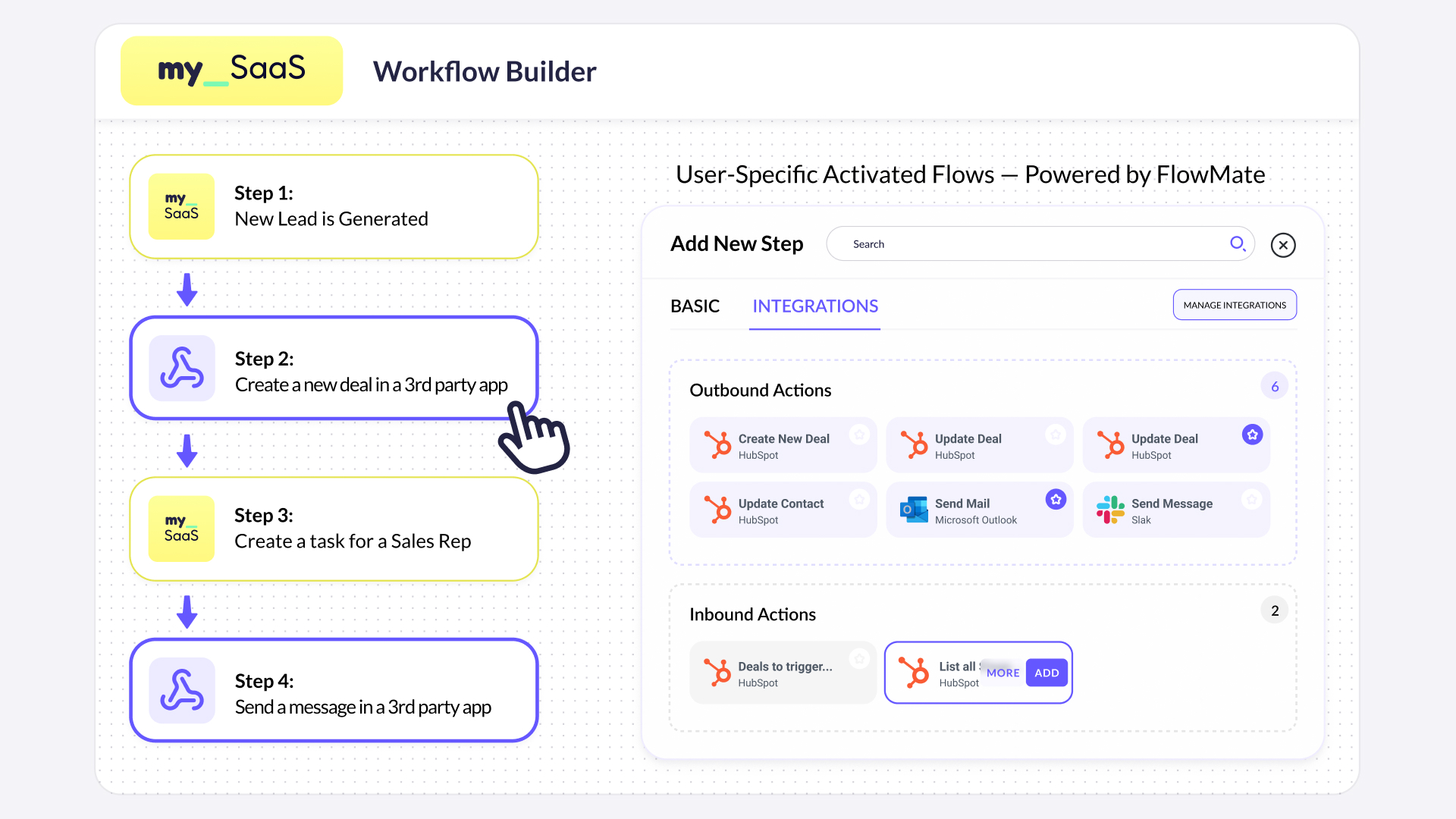
Your product remains in full control of the user experience. FlowMate takes care of execution, integrations, and scalability.
How SaaS Teams Keep Full Control Over Their Workflow Builder
For CPOs and CTOs, one concern always comes up early: control.
No two workflow builders are the same. UI, logic modeling, and user experience are core parts of your product differentiation. FlowMate is designed with this in mind.
Every FlowMate capability is exposed via API.
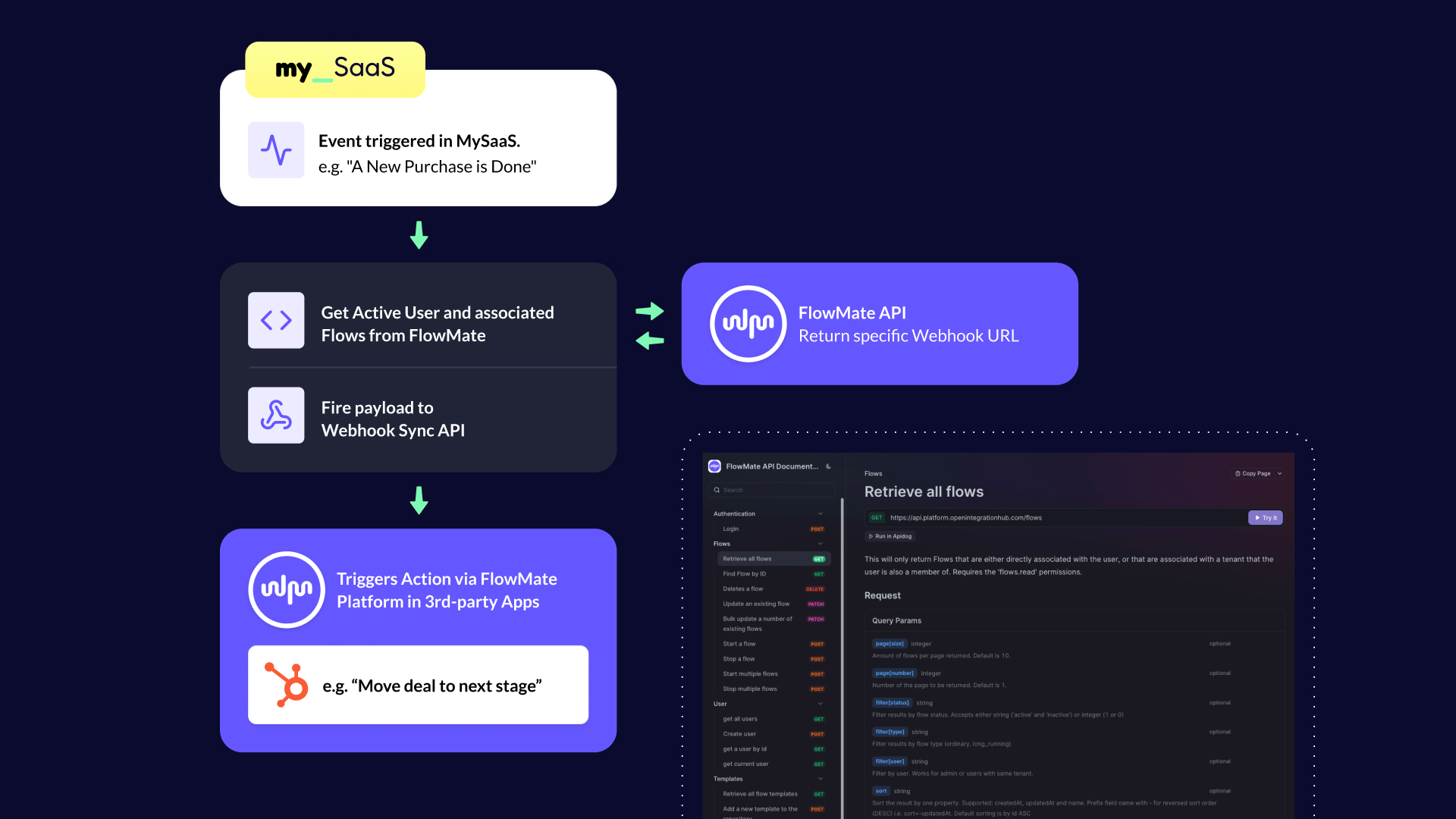
This means you can build and keep your own workflow UI, define how workflows are created, configured, and activated, decide which triggers and actions are available to users, and control authentication, permissions, and execution logic.
FlowMate provides a standard, battle-tested Automation UX out of the box, which many partners use to get started quickly. At the same time, FlowMate is designed as a programmable automation layer, giving your product full flexibility to build and control its own workflow UI on top.
Through a combination of universal endpoints and a large library of prebuilt connectors, your workflow builder can trigger automation flows, execute actions, and react to external events without building custom logic for every integration. FlowMate provides more than 150 prebuilt connectors covering the full range of triggers and actions exposed by third-party APIs. Actions are often the primary focus, but depending on the use case, trigger support plays an equally important role. Schemas define what data flows through workflows, while FlowMate handles execution, security, and reliability behind the scenes.
For engineering teams, this means fewer bespoke integrations and a cleaner architecture. For product teams, it means faster iteration and more freedom to evolve the workflow experience without backend rewrites.
How This Looks in Practice
A practical example of this approach is MetamorphOS.
MetamorphOS built a workflow orchestration platform that needed to react to real-world events and coordinate actions across multiple systems. Instead of building their own execution and integration layer, they used FlowMate as the underlying automation engine.
This allowed them to focus on workflow design and user experience, while FlowMate handled execution, integrations, and scalability in the background.
The result was a workflow builder that could support real customer use cases without limiting future growth.
You can read the full MetamorphOS story and technical details in this dedicated blog post.
How Workflow Builders Turn Integrations Into Business Value
When workflow builders are backed by strong integration and execution capabilities, the impact goes far beyond technical improvements.
Teams see faster time to value because workflows actually connect to the apps customers use. Enterprise adoption increases because workflows behave reliably under real-world conditions. Support effort decreases because execution is observable and controlled.
Most importantly, workflow builders evolve from a supporting feature into a strategic product capability. They become something you can package, differentiate, and monetize.
At that point, automation is no longer just about efficiency. It becomes a growth lever.

Turn Your Workflow Builder into an Automation Hub
Deliver real value, launch cross-app workflows and third-party integrations your customers need, all running natively inside your product within days.
Power Your Builder Now
Where Workflow Builders Create Real Value
Workflow builders are becoming a key differentiator. But their value does not come from logic builders, conditions, or schedules alone.
Real value emerges when workflows can operate across the apps customers already use. When they can react to real-world events, orchestrate actions across systems, and support the way customers actually run their businesses.
This is also where many workflow builders struggle. Internal workflows quickly reach their limits, and external automation platforms are not designed to be embedded as a multi-tenant foundation inside a SaaS product.
To unlock the full potential of a workflow builder, SaaS teams need an integration and execution layer built specifically for this purpose, flexible enough to adapt to different use cases, and robust enough to scale across customers.
FlowMate is built to enable exactly this. By empowering workflow builders through an API-first, multi-tenant automation layer, FlowMate allows SaaS products to connect apps, orchestrate workflows, and turn automation into real customer value.
If you are building or evolving a workflow builder, let us discuss your use cases and explore how FlowMate can support your product.
Please book a personal meeting and let’s discuss your specific requirements.
Unlock the Full Power of Your Workflow Builder
Enable cross-app triggers and actions, and launch automations your customers can activate instantly inside your product.

More articles from our Blog
Using MCP for Workflow Automation: What Works, What Doesn’t, and What You Actually Need
MCP standardizes how AI agents access tools, but it’s often mistaken for a workflow engine. In reality, it lacks structure, state, and governance. This article explains why MCP alone can’t power workflows and what additional layer you need to run automations reliably – including where FlowMate fits.
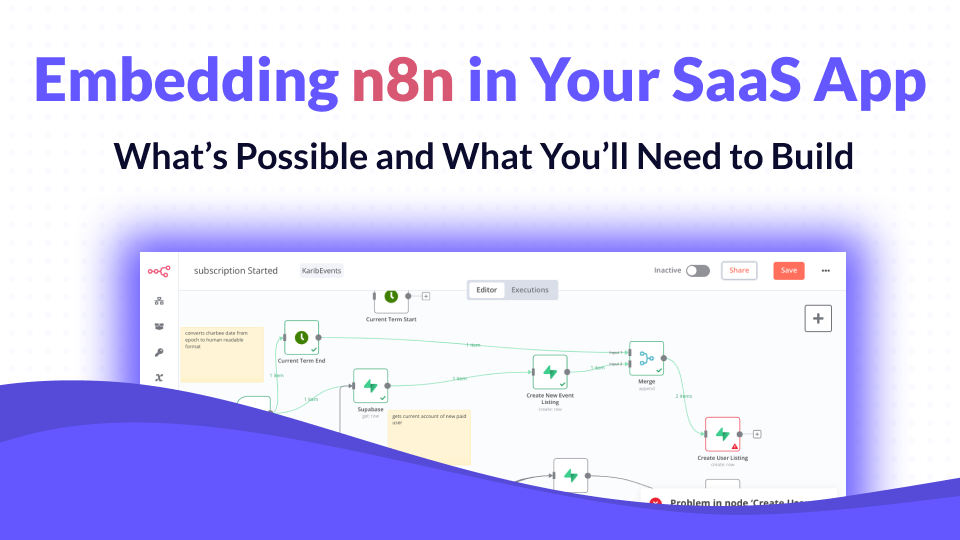
Embedding n8n in Your SaaS App: What’s Possible and What You’ll Need to Build
n8n has become one of the most popular workflow automation tools in the world, open-source, flexible, and developer-friendly. But when SaaS companies try to embed it into their own product, reality quickly gets complicated. In this article, we’ll unpack what n8n can do inside a SaaS product, what it can’t, and what you’d need to build to make it truly work at scale.
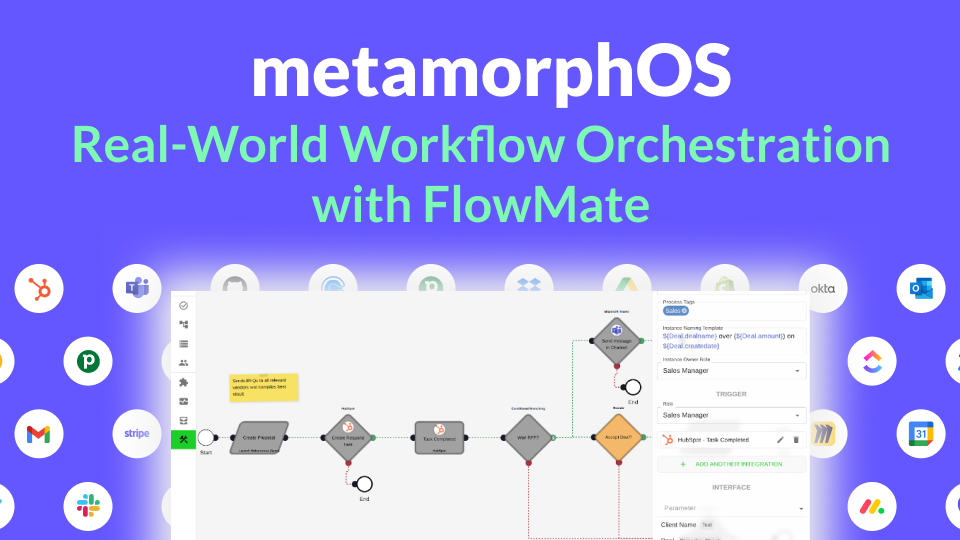
How metamorphOS Uses FlowMate to Power Real-World Workflow Orchestration
Discover how metamorphOS powers real-world workflow orchestration with FlowMate. By embedding FlowMate’s automation and integration engine, metamorphOS connects people, AI agents, and apps into seamless business processes. Learn how this partnership turns complex, manual workflows into scalable, automated success.
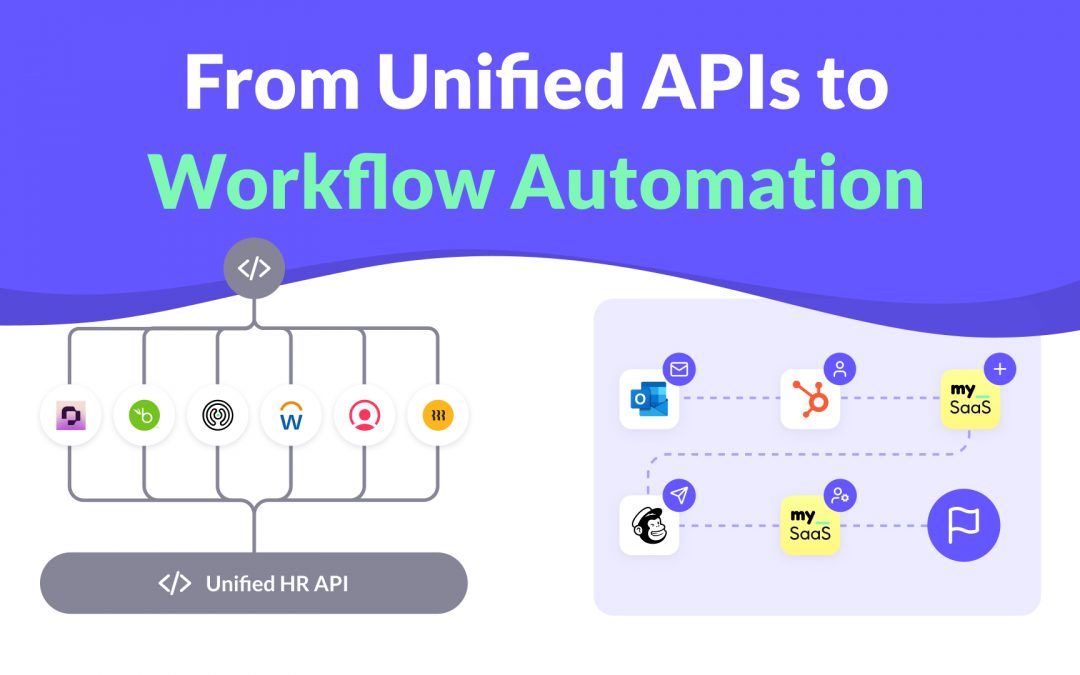
From Unified APIs to Workflow Automation
Unified APIs simplify data access, but modern SaaS products need more. This post explains why syncing data is not enough to deliver customer value and how event-driven triggers, actions, and workflows are redefining integration. Learn how moving from static connections to intelligent automation helps SaaS providers build integrations that adapt to real processes and create real workflow enablement.

How to Launch New Integrations: A Go-To-Market Playbook for SaaS Teams
Learn how to turn your next integration launch into a strategic growth campaign, not just a technical release. This step-by-step playbook shows SaaS teams how to unlock revenue, improve retention, and generate demand by treating integrations as powerful go-to-market assets, not just features. If you want more from your integration investments, this guide is for you.

Empower Your AI Agent to Execute Real Actions Across Any SaaS Tool
Many SaaS teams are racing to embed AI agents into their products, but most AI agents are starkly limited. Why? Because they lack the infrastructure to take real action across third-party tools. In this post, we unpack what’s missing, why the MCP standard matters, and how FlowMate MCP turns your AI agent into an operator by unlocking real automation across your customers’ stack.

Monetizing Automation & Integrations: Turn Customer Pain into Your MRR
Most SaaS companies underestimate the business value of automation and integrations. In this post, we explore how native automation not only improves product stickiness but also opens the door to entirely new revenue streams. Learn how to boost MRR while helping your customers save money by replacing costly third-party automation tools.

The Missing Piece in SaaS Workflow Automation: Real-Time Integrations
Many SaaS products offer workflow automation within their app—but real-time, event-driven integrations with third-party apps are often missing or hard to implement. In this post, we explore why they’re essential for modern SaaS platforms and how teams can overcome the technical hurdles.

The #1 Sales and Churn Pitfall for SaaS Companies: integrations
In today’s SaaS landscape, seamless integrations are essential for boosting sales and cutting churn. Overlooking them leads to lost deals and frustrated teams. This post reveals why integration is a must-have for driving growth and meeting customer workflow demands.

Why Workflow-Driven Integrations Are Essential for CRM Success
In today’s hyper-connected sales environment, managing workflows isn’t just about using a CRM—it’s about seamlessly connecting dozens of tools that power the sales pipeline. Sales teams rely on CRMs, lead generation tools, contract management software, analytics platforms, and more to streamline their processes and drive revenue.

Mastering 2-Way Sync: The Key to Seamless Data Integration
Picture this: Your customers use Salesforce to manage their sales processes while they use your product to manage customer service and gain unique insights. Without integration, Salesforce data—like deal history or contact details—remains siloed, and your product’s insights can’t flow back to Salesforce.

Your Guide to Solving Customer Integration Challenges Quickly
Solve customer demands in days and empower your sales team to confidently close more deals. FlowMate’s Integration as Link provides instant, branded activation links for new integrations—no development required.
Get all integrations you need always up to date
Access over 120 pre-built integrations for rapid connectivity with your SaaS. Get integrations from our roadmap tailored to your requirements in the short-term. We create any integration you need using public APIs by arrangement, ensuring your integration needs are met swiftly and effectively.
